
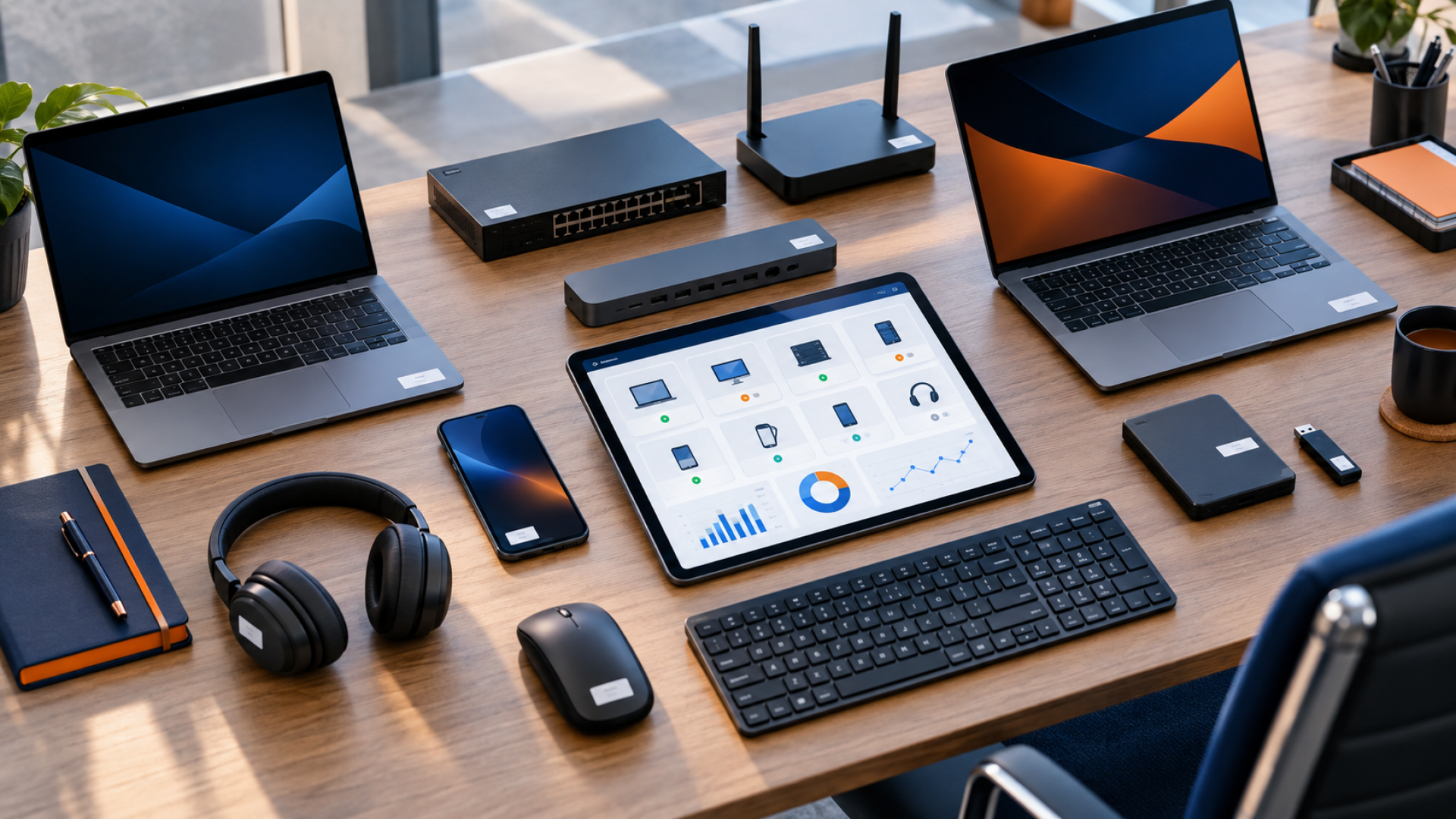
In many companies, computer hardware, licenses, and network devices are introduced gradually. First, a laptop is purchased for the first employee, followed by additional monitors, a printer, a NAS server, a router, a switch, several Microsoft 365 licenses, accounting software, antivirus, VPN access, and more mobile devices. For a while, everything works, so no one feels the need to maintain detailed records.
The problem begins when a company grows. Someone leaves, someone changes positions, the device is transferred to another user, the warranty expires, and yet the license invoices continue to arrive. The company owner asks: how many computers do we have that are still under warranty, who has which laptop, what licenses are we paying for, and are they all being used? The answer is often: we need to check.
IT inventory isn't bureaucracy for bureaucracy's sake. It's a fundamental tool for managing costs, security, and accountability for company equipment. Without an up-to-date inventory, it's difficult to plan purchases, monitor licenses, respond to incidents, and prepare the company for an audit.
In short
An IT inventory answers simple questions: what do we have, where is it, who uses it, how much does it cost, when does it need replacing, and is it secure? A well-maintained inventory helps reduce chaos and enable decisions based on data, not guesswork.

Why are companies losing control of their hardware and licenses?
Most often, this doesn't happen overnight. Lack of control develops slowly, as a result of numerous small decisions. A computer was quickly purchased for a new employee, a phone was handed over without a formal notice, a license was purchased "on the spur of the moment," a router was replaced after a failure, a monitor was moved to another department. Each of these situations may seem minor, but after a few years, it creates a distorted picture of the IT environment.
Small and medium-sized businesses often lack a single, shared inventory of resources. Accounting maintains invoices, IT knows some of the devices, managers remember who received the laptop, and the owner only sees the final costs. This division of knowledge only works until the first problem occurs.
The situation becomes even more complicated when a company embraces the cloud, remote work, and multiple SaaS applications. Computers are no longer confined to desks, and licenses are no longer just boxes with serial numbers. Some costs appear as monthly subscriptions, some as devices working outside the office, and some as user accounts that haven't been accessed for months.
- • no one knows exactly how many computers there are in the company,
- • equipment left by former employees is not returned to the register,
- • licenses are purchased as a spare and then remain unused,
- • there is no information about warranties and purchase dates,
- • it is not known which devices are encrypted and secured,
- • there is no complete list of programs installed on computers,
- • IT costs are dispersed between invoices, suppliers and payment cards.
What should a good IT inventory include?
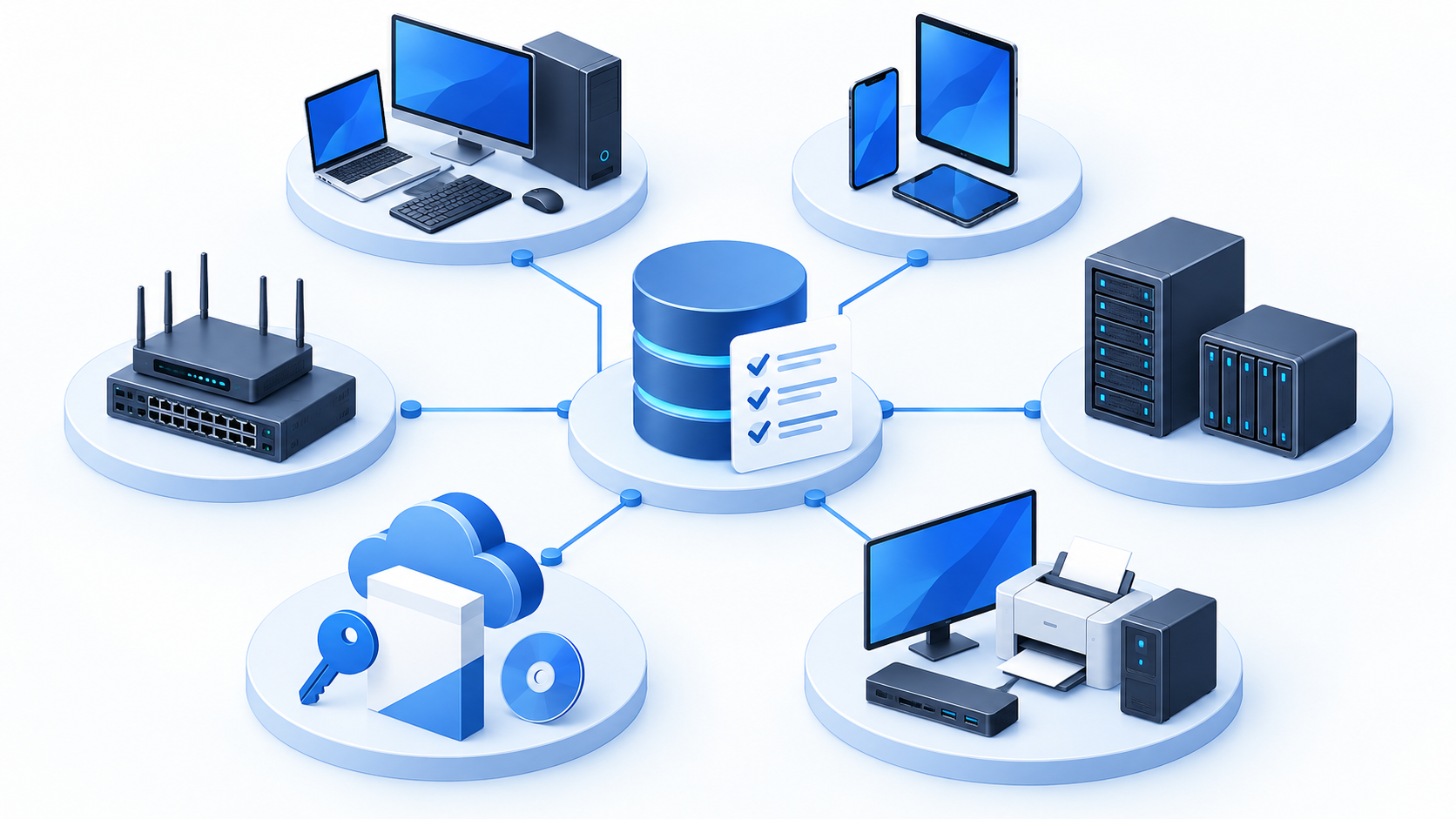
A good IT inventory doesn't necessarily mean a complex enterprise-class system. The most important thing is to ensure the records are complete, up-to-date, and useful to the company. They should cover several basic categories.
| Area | What's worth writing down | Why is it important? |
|---|---|---|
| Computers and laptops | model, serial number, user, purchase date, warranty, encryption, system | easier replacement planning, warranty management and response to equipment loss |
| Mobile devices | phone, tablet, owner, IMEI number, MDM management, lock status | control of access to email, company applications and data outside the office |
| Network devices | router, firewall, switch, access point, location, configuration, warranty | faster fault diagnosis and network modernization planning |
| Servers and NAS | role, location, resources, backups, warranty, system, service owner | protection of critical data and better business continuity planning |
| Licenses and applications | name, number of licenses, users, cost, renewal date, provider | eliminating unnecessary subscriptions and the risk of license incompatibility |
| Accessories and peripherals | monitors, printers, scanners, docking stations, power supplies, UPS | reducing losses and better preparation of workstations |
In practice, the most important thing is to assign an asset to a person, location, or process. A computer's serial number alone is of little use if the company doesn't know who uses it and what data it may contain.
Excel, Intune, RMM or ITAM system – what to choose?
Not every company needs to implement a comprehensive IT asset management system right away. The choice of tool should depend on the scale of the organization, the number of devices, the level of remote work, and security requirements.
| Solution | When it makes sense | Advantages | Limitations |
|---|---|---|---|
| Excel or spreadsheet | small company, few devices, start organizing | quick start, low cost, easy implementation | risk of outdated data, lack of automation, no change history |
| Microsoft Intune | Microsoft 365 company, Windows devices, remote work | device, application, compatibility and security information | requires configuration, licensing and process organization |
| RMM | ongoing IT support and monitoring of computers and servers | automatic data collection, alerts, remote support | a technical tool, not always sufficient for full financial accounting |
| ITAM System | more resources, need for protocols, history and lifecycle | more complete records, workflow, reports, responsibility | implementation requires discipline and keeping data up to date |
IT inventory and company security
Hardware and software inventory is often treated as an administrative matter, but in reality, it has significant security implications. It's impossible to effectively protect devices a company can't identify, and it's impossible to control software that no one can see.
If a company doesn't have an up-to-date list of computers, it's difficult to verify whether all of them have up-to-date operating systems, disk encryption, antivirus, EDR, firewall, updates, and an active user account. In the event of a security incident, a fundamental question arises: which devices could be affected?
The same applies to licensing and applications. Unused accounts, old programs, private tools, and unchecked applications increase the risk of data leaks. An IT inventory helps detect such areas before they become a problem. The importance of an up-to-date inventory of assets for security is also described in NIST in the guide to protecting your assets from disruptive events.
Important safety rule
You can't effectively secure what isn't recorded. An up-to-date list of devices and applications is the foundation for IT audits, vulnerability management, access control, and backup planning.
How does IT inventory help reduce costs?
IT costs often rise not because a company is consciously investing, but because no one regularly checks exactly what they're paying for. A single unused Microsoft 365 license, an additional subscription for a SaaS application, or ad hoc hardware purchases don't seem like a big deal. The problem arises over the course of a year and with a larger number of users.
A well-maintained IT inventory allows you to quickly see which devices can still be used, which need replacing, which are under warranty, and which are generating excessive service calls. It also helps detect licenses assigned to former employees, duplicate tools, and subscriptions no one uses anymore.
From a business owner's perspective, this is very practical knowledge. Instead of purchasing equipment only when it fails, you can budget for device replacement. Instead of paying for each package "just in case," you can tailor licenses to your users' actual needs.
How to start an IT inventory step by step?
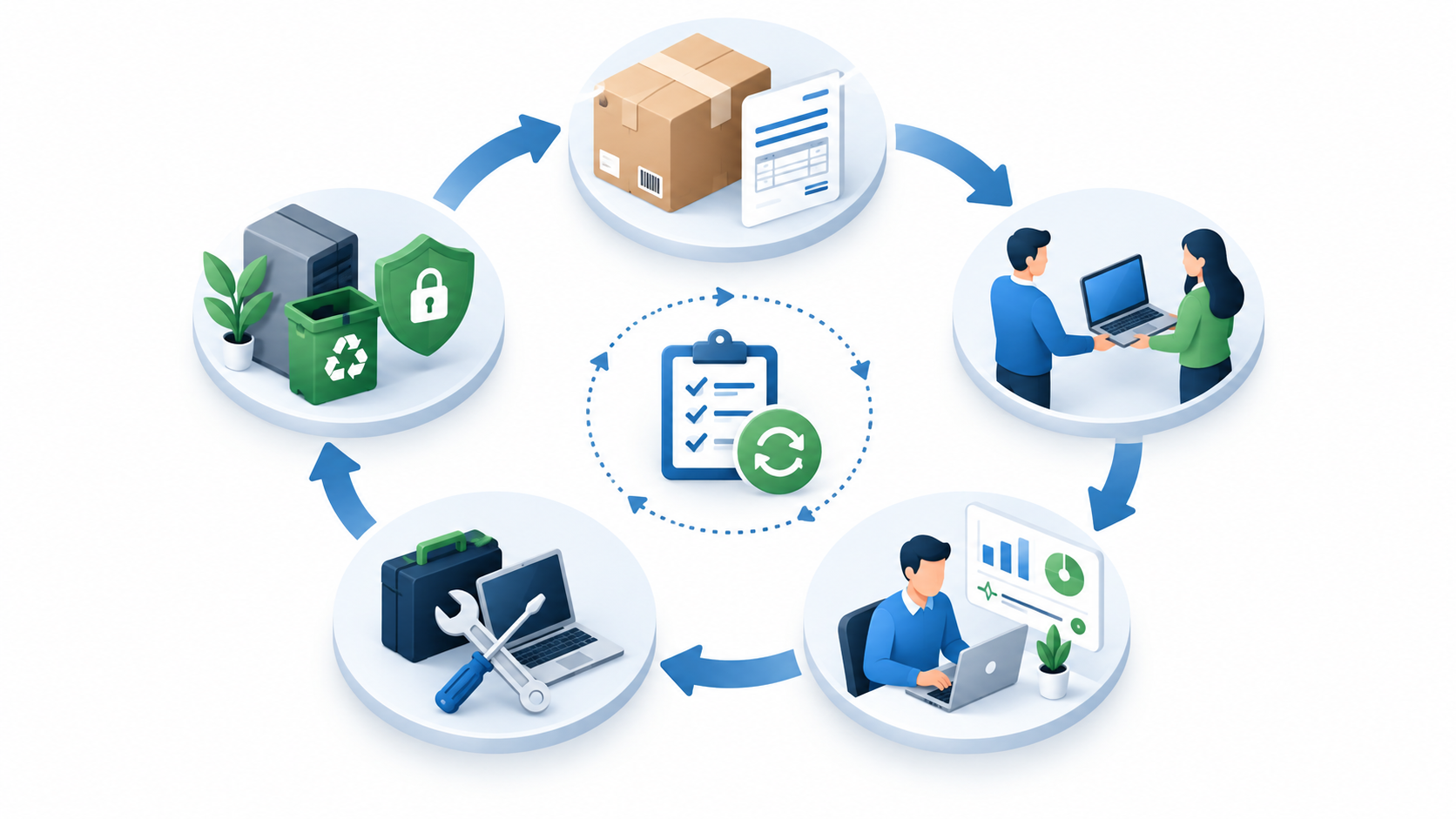
1. Gather a basic list of resources
Start by listing your computers, laptops, phones, servers, NAS, network devices, printers, monitors, UPSs, and key applications. Don't wait for a perfect system. A simple list is better than no list at all.
2. Assign equipment to users
Each device should have an owner or guardian. This way, it's clear who is responsible for the laptop, phone, monitor, docking station, or license key.
3. Add financial and warranty details
Purchase date, invoice number, warranty, cost and supplier help you plan replacements, complaints and your IT budget.
4. Check licenses and accounts
Compare the number of licenses with the number of active users. Look out for former employee accounts, duplicate services, and applications purchased by departments outside of core IT control.
5. Assess the security situation
Check which devices have disk encryption, up-to-date system, antivirus protection, EDR, MDM or Intune management, and active backup.
6. Establish a process for updating records
The biggest challenge isn't creating the list once, but keeping it current. Every issue, return, repair, utilization and user change should be recorded.
7. Review data periodically
Once a quarter or half a year, it is worth checking whether the IT inventory is consistent with the actual situation and whether any unnecessary costs have occurred.
The most common mistakes in IT inventory
- • maintaining a list only for accounting purposes, without technical or user information,
- • lack of protocols for handing over equipment to employees,
- • outdated data after changes in positions or employee departure,
- • no serial numbers or warranty information,
- • bypassing network devices, UPSs, monitors and telephones,
- • no list of SaaS applications and licenses,
- • lack of regular inspection of unused, damaged and withdrawn devices,
- • keeping all knowledge about the equipment with only one person.
When is it worth doing an inventory audit?
An inventory audit is worth performing not only when chaos reigns within the company. It's best to treat it as a step in organizing the IT environment and preparing for further development.
- • the company is growing rapidly and employing new employees,
- • there is a change of IT service provider,
- • the owner does not know what licenses he is paying for,
- • some equipment works remotely or outside the office,
- • replacement of computers or migration to the cloud is planned,
- • failures and reports regarding old devices often occur,
- • there is no documentation from the previous IT specialist,
- • the company is preparing for a security audit, NIS2, cyber insurance or organizational changes.
How can we help?
As part of our IT services, we can help your company organize its hardware, license, and device inventory. A well-planned IT inventory typically begins with a review of your current environment: computers, laptops, servers, NAS, networks, Microsoft 365, applications, and recurring costs.
Then, you can prepare a practical record structure tailored to the company's scale. In a small organization, this might be a simple but well-described register. In a larger organization, it might be a combination Microsoft Intune, RMM tools, ITAM system and equipment handover procedures.
The key is to ensure that the records aren't just a dead letter. They should help with everyday decisions: whether the computer is still suitable for work, who should receive a laptop left by a former employee, which licenses can be removed, what needs to be replaced next quarter, and where the company faces the greatest risk.
Do you need to organize your IT environment?
If you're unsure how much hardware and licenses your company actually has, we can conduct a practical IT audit and prepare records that will help you control costs, security, and the lifecycle of your devices. Contact Proste IT.