Introduction
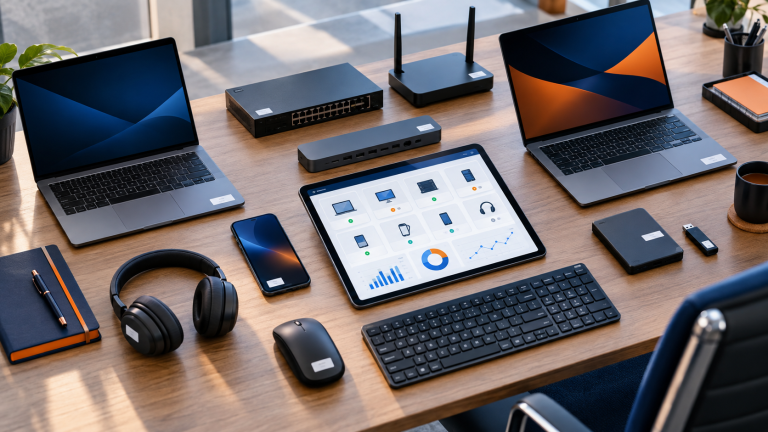
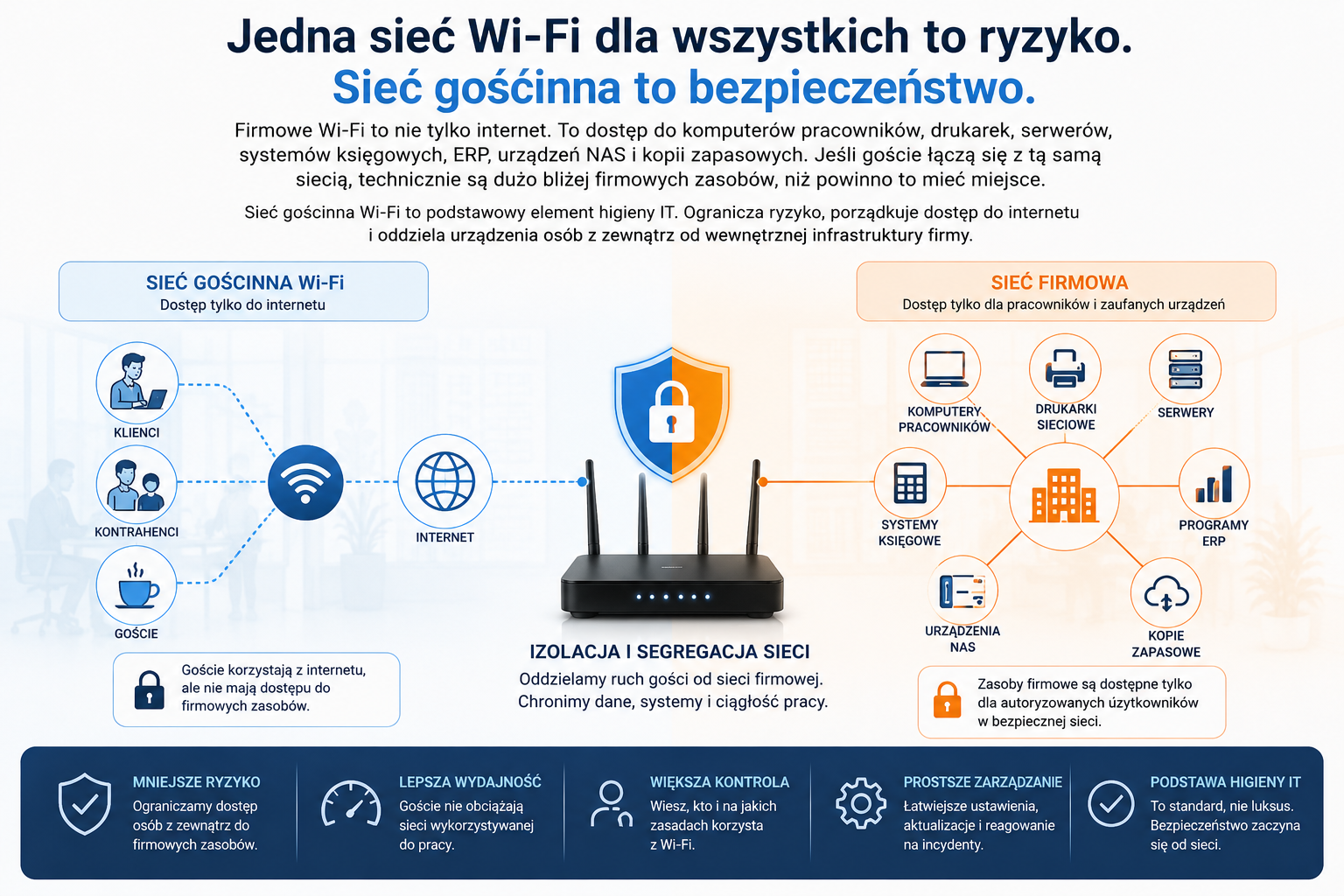
The problem is that company Wi-Fi isn't just convenient internet access. It's often the same infrastructure used by employee computers, printers, servers, accounting systems, ERP programs, NAS devices, and backups. If a client, customer, or random visitor connects to the same network, they're technically much closer to company resources than they should be.
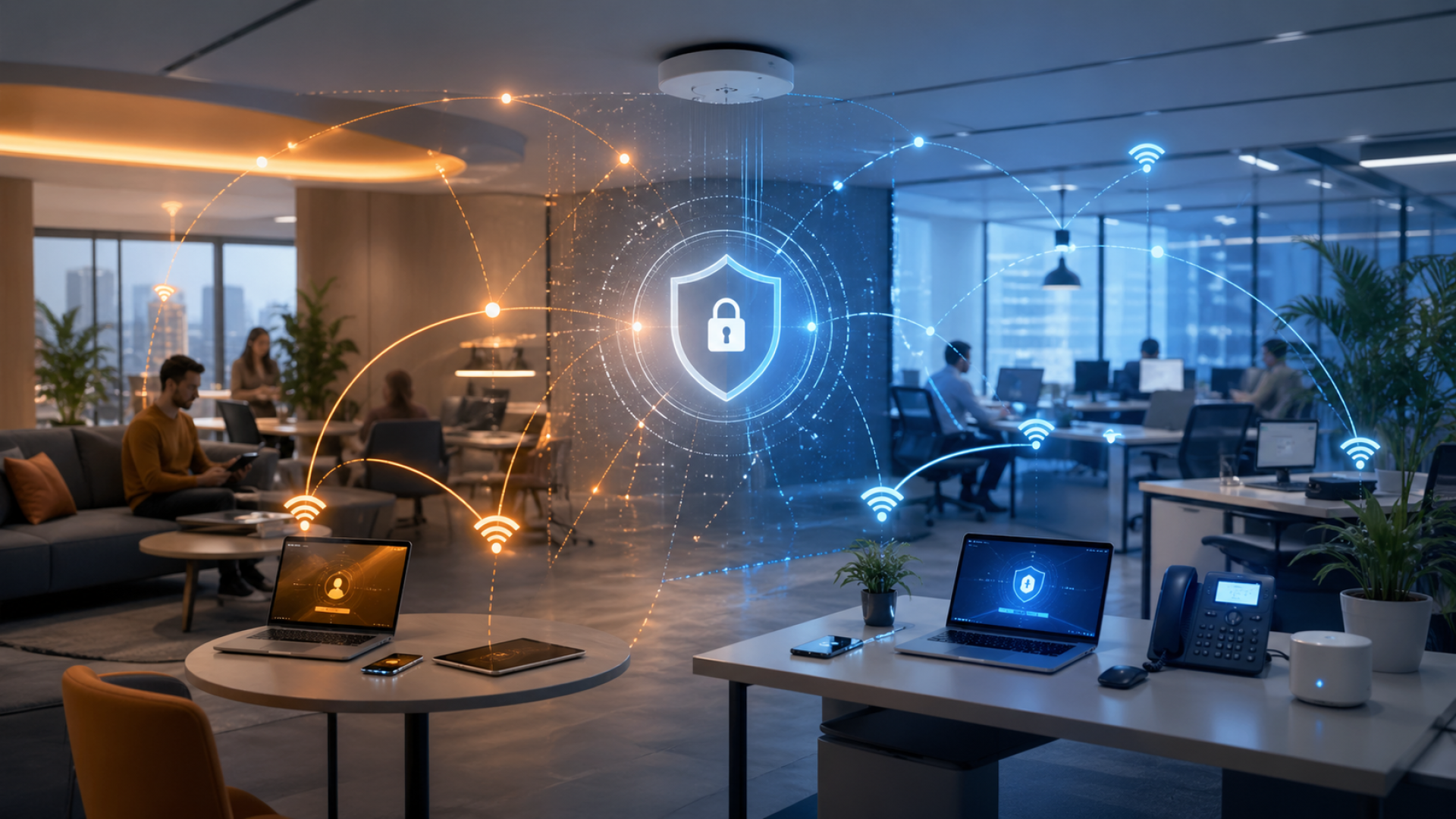
This is why guest Wi-Fi network in the company It's not an add-on for large corporations. It's a fundamental element of IT hygiene that helps mitigate risk, streamline internet access, and separate external devices from the company's internal infrastructure. A single Wi-Fi network for all users can pose a risk to the company.
Why is a shared Wi-Fi network a real threat?
The biggest mistake is thinking that "it's just the internet." In reality, a device connected to the corporate network can see more than we realize. It can detect other devices, attempt to communicate with printers, inspect network shares, or search for vulnerable services.
This doesn't mean that every customer has malicious intent. However, if their laptop is infected, their phone has an outdated operating system, or the device has previously connected to an untrusted network, a threat can occur without the user's conscious action.
- • the foreign device enters the same environment as the employees' equipment
- • the company loses control over who uses the network
- • the risk of access to internal resources increases
- • the likelihood of threats and reduced infrastructure performance increases
For this reason corporate network security should start with a basic division: a separate network for employees and a separate network for guests.
Access to corporate data - more than you think
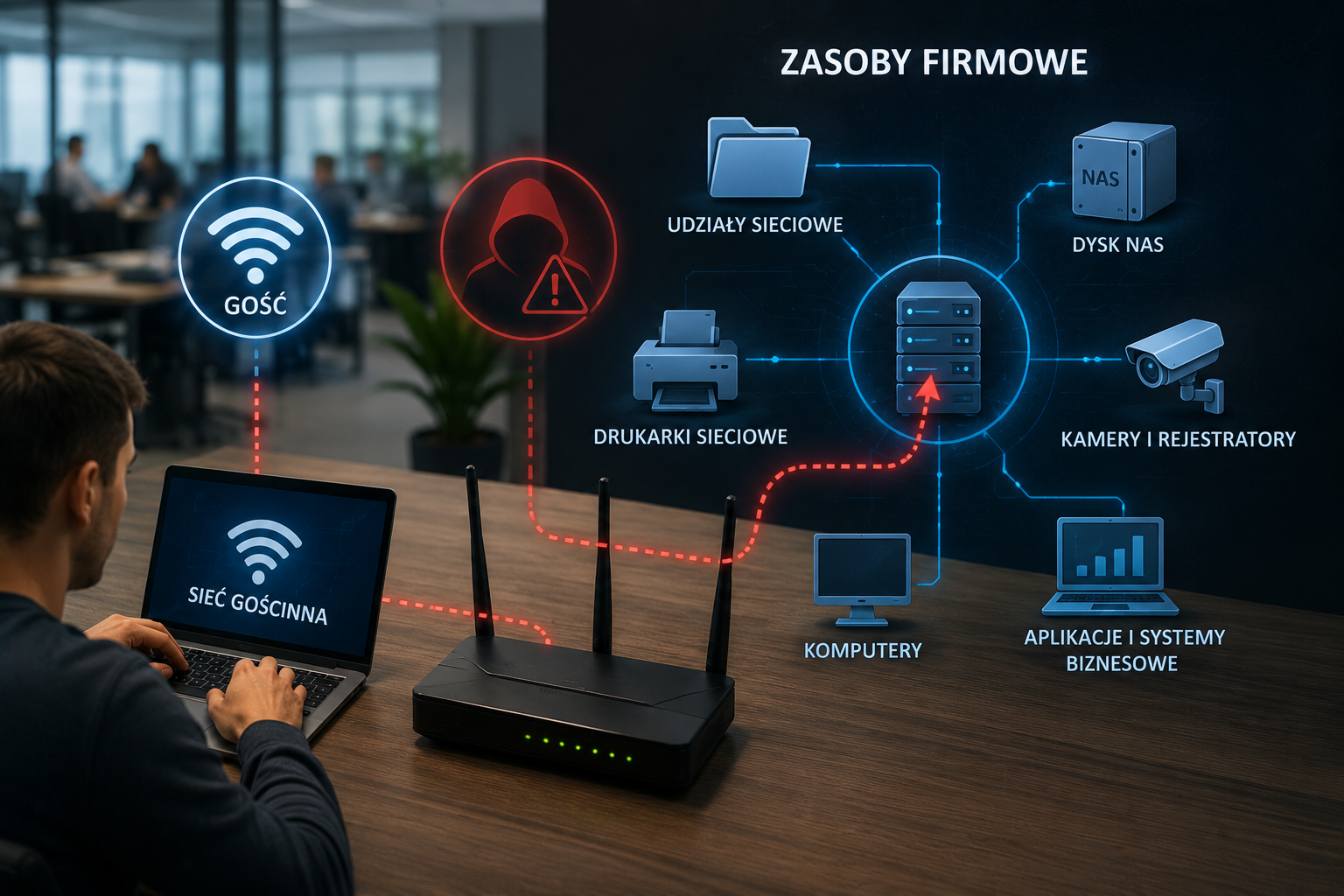
Small and medium-sized businesses often have resources that function properly only because they are "inside the network." These may include shared folders on a server, NAS drives, network printers, scanners, cameras, recorders, accounting software, or legacy business applications.
If a customer connects to the same Wi-Fi network as employees, they may be on the same network segment. This doesn't automatically mean they'll be able to open company documents immediately. However, it does mean we're unnecessarily shortening the path to resources that should be kept separate.
- • ability to discover devices on the network
- • visible names of computers, printers or servers
- • attempts to log in to network shares
- • greater risk of using weak passwords or old services
It's one of those problems that usually only comes to light during an audit or outage. A company can operate without any significant changes for years, until it suddenly becomes clear that too many people have access to the main Wi-Fi network and the password is circulating out of control.
Viruses and ransomware on the corporate network
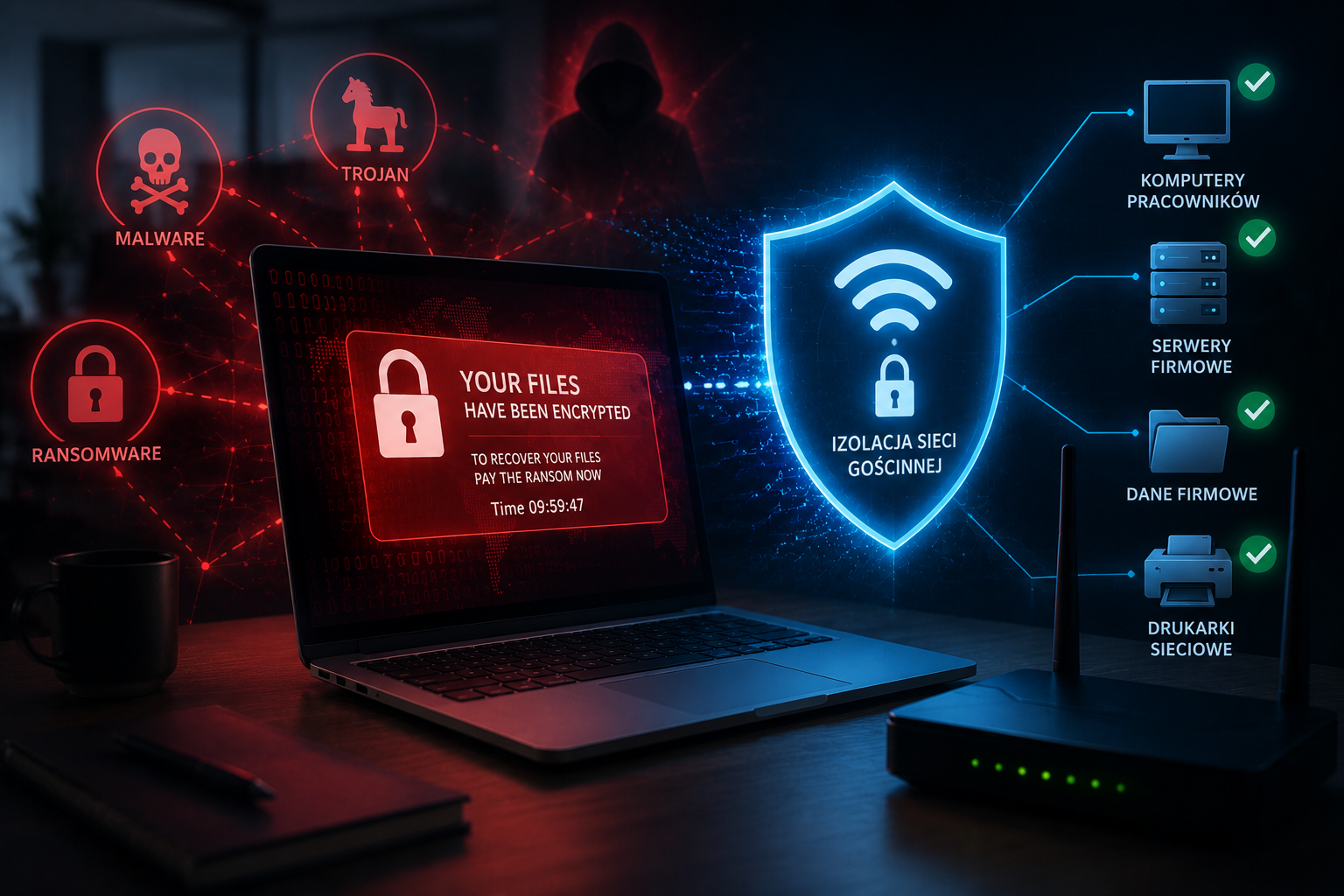
Ransomware and malware don't always require a complex attack. Sometimes, a single device that automatically scans its surroundings upon connecting to the network is enough. If it lands on the same network as employee computers and servers, the risk increases.
An infected client laptop may not show any visible symptoms. The user may not even be aware that their device poses a threat. Meanwhile, the malware may attempt to detect open ports, outdated systems, vulnerable services, or network resources.
In practice, the consequences can be serious: encrypted files, work downtime, loss of access to documents, the need to restore data from backups and real costs for the company.
This is why Wi-Fi security in the company should include not only a strong password, but above all, isolation of guests from the internal network.
Eavesdropping on traffic and data capture
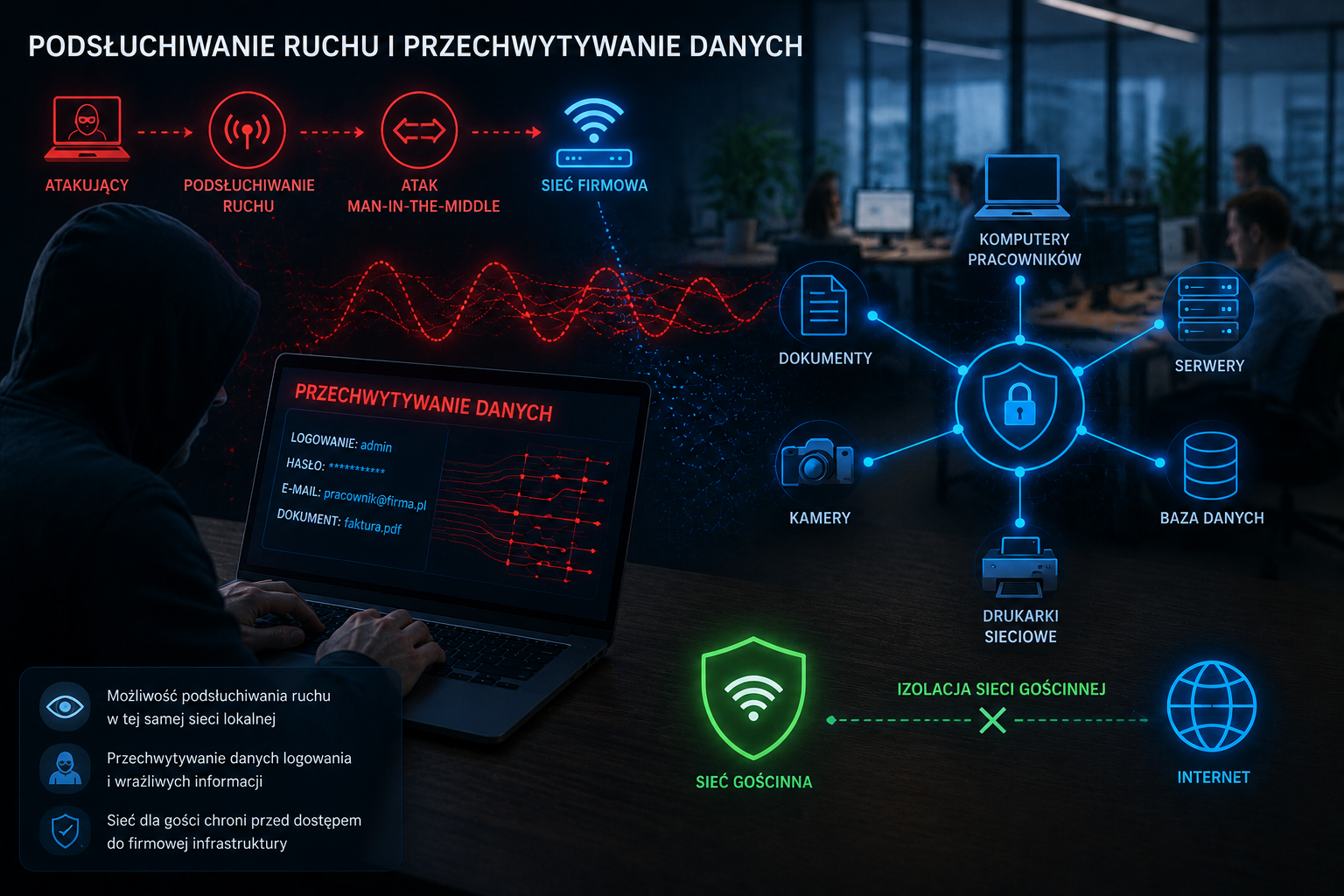
Another risk is the possibility of network traffic being observed or manipulated. Various attack techniques are possible within the same local network, such as eavesdropping, man-in-the-middle attacks, or attempts to capture login credentials.
In modern environments, many services use encryption, but that doesn't mean the risk disappears. Companies still encounter older devices, outdated applications, poorly configured printers, locally run systems, or unsecured administration panels.
Guest network in the company limits this problem because external devices should not have the technical ability to communicate with the employees' infrastructure.
Network slowdowns and performance issues
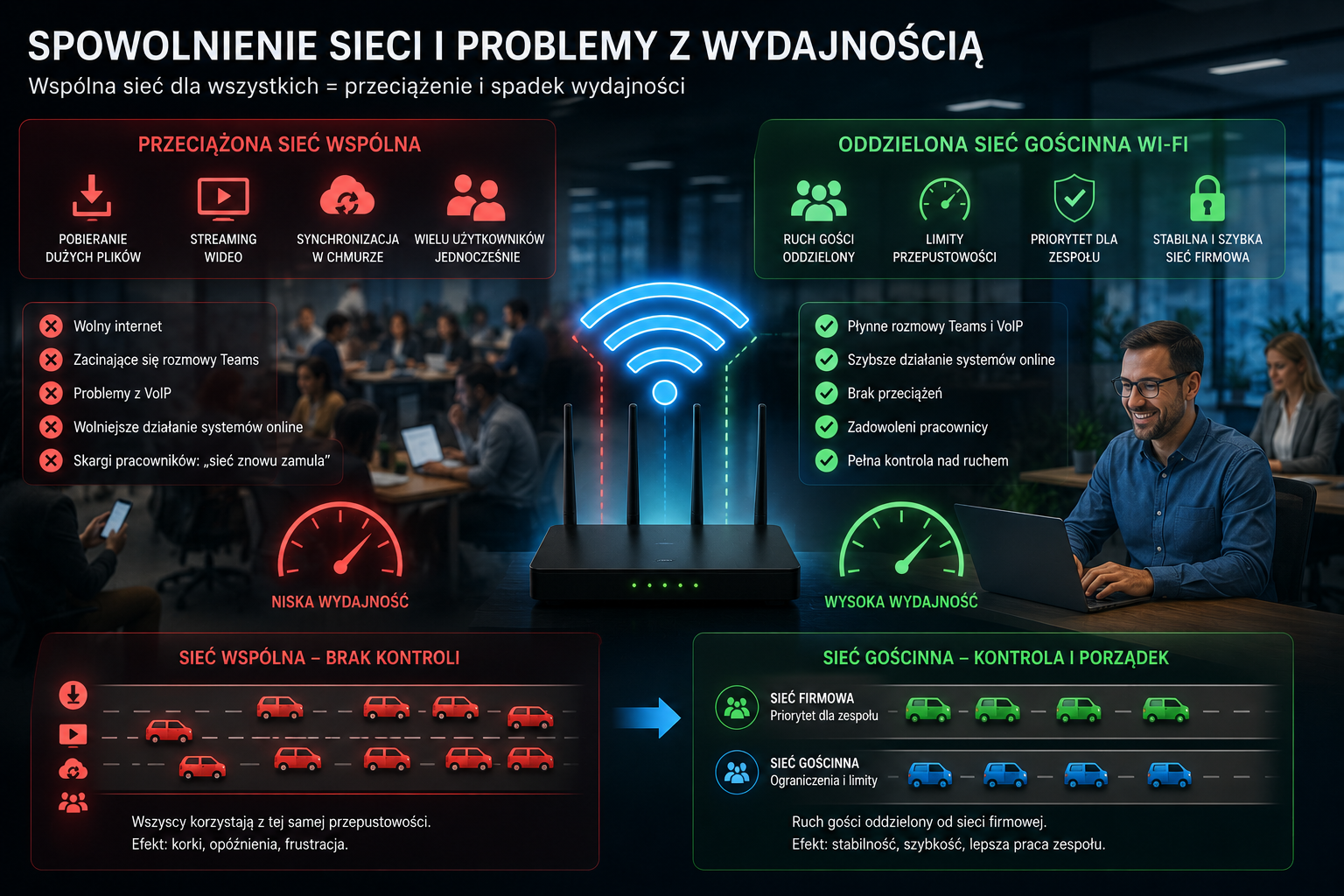
Security is one thing, but a shared network for everyone can also cause performance issues. All it takes is for a few people to start downloading large files, watching videos, or syncing data in the cloud. Without traffic limits and sharing, the entire company can suffer.
The symptoms are often very simple: slow internet, stuttering Teams calls, VoIP problems, slower performance of online systems, or employee complaints that "the network is slowing down again.".
A well-configured guest Wi-Fi network allows you to set separate limits, segregate guest traffic, and better protect the bandwidth your team needs to work.
No control over who uses the network
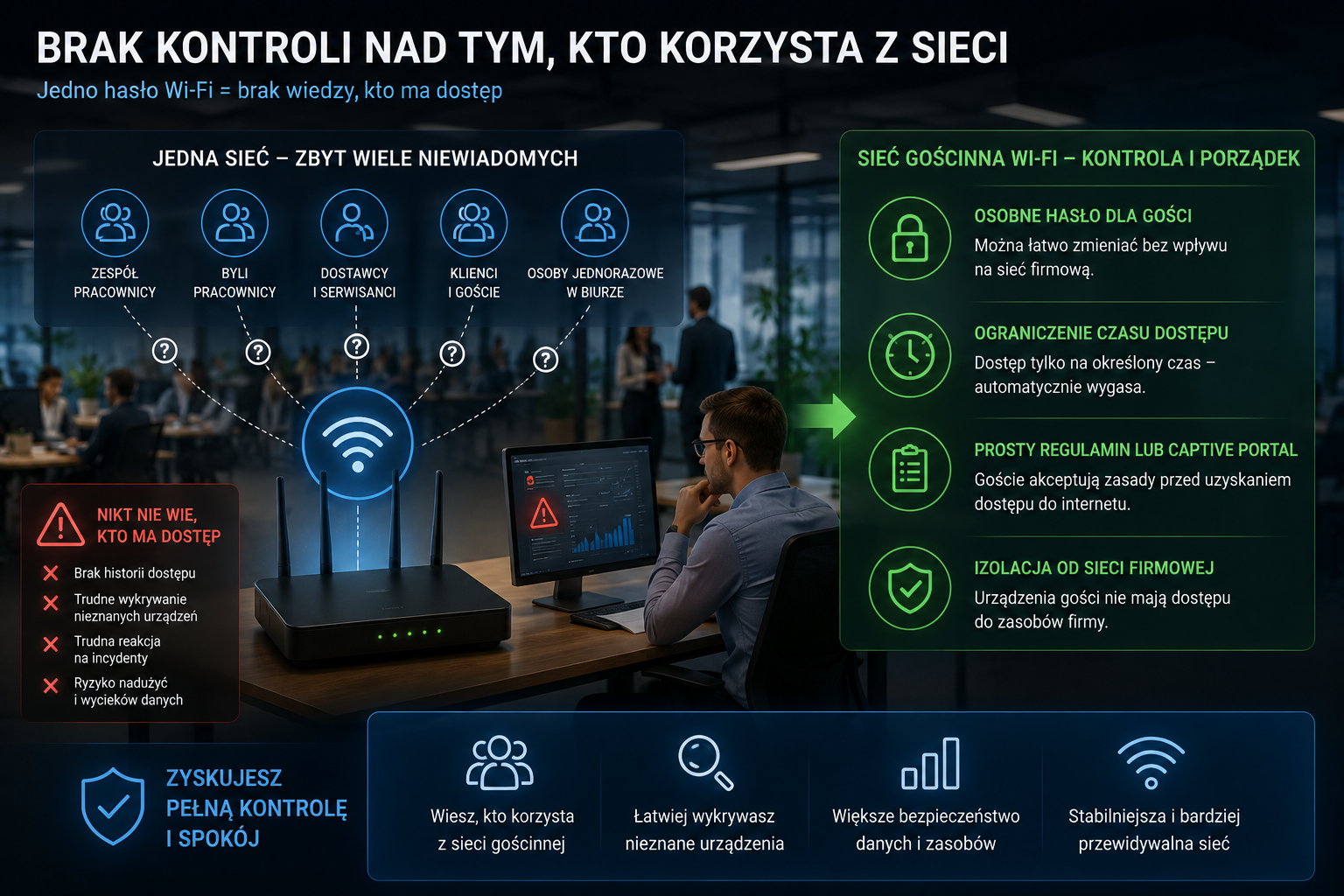
In many companies, the Wi-Fi password takes on a life of its own. It's known by the team, former employees, regular suppliers, service technicians, customers, and sometimes even people who have only been in the office once. After several months, no one knows who actually has access.
This is an organizational and technical problem. If everyone uses the same network, it's harder to identify which devices belong to employees and which are third-party. Incident response is also more difficult because there's no clear separation or access history.
- • a separate password for guests can be changed more easily
- • you can limit access time
- • simple regulations or a captive portal can be used
- • you can separate guest devices from corporate resources
Guest Wi-Fi Network - A Simple Solution to a Big Problem
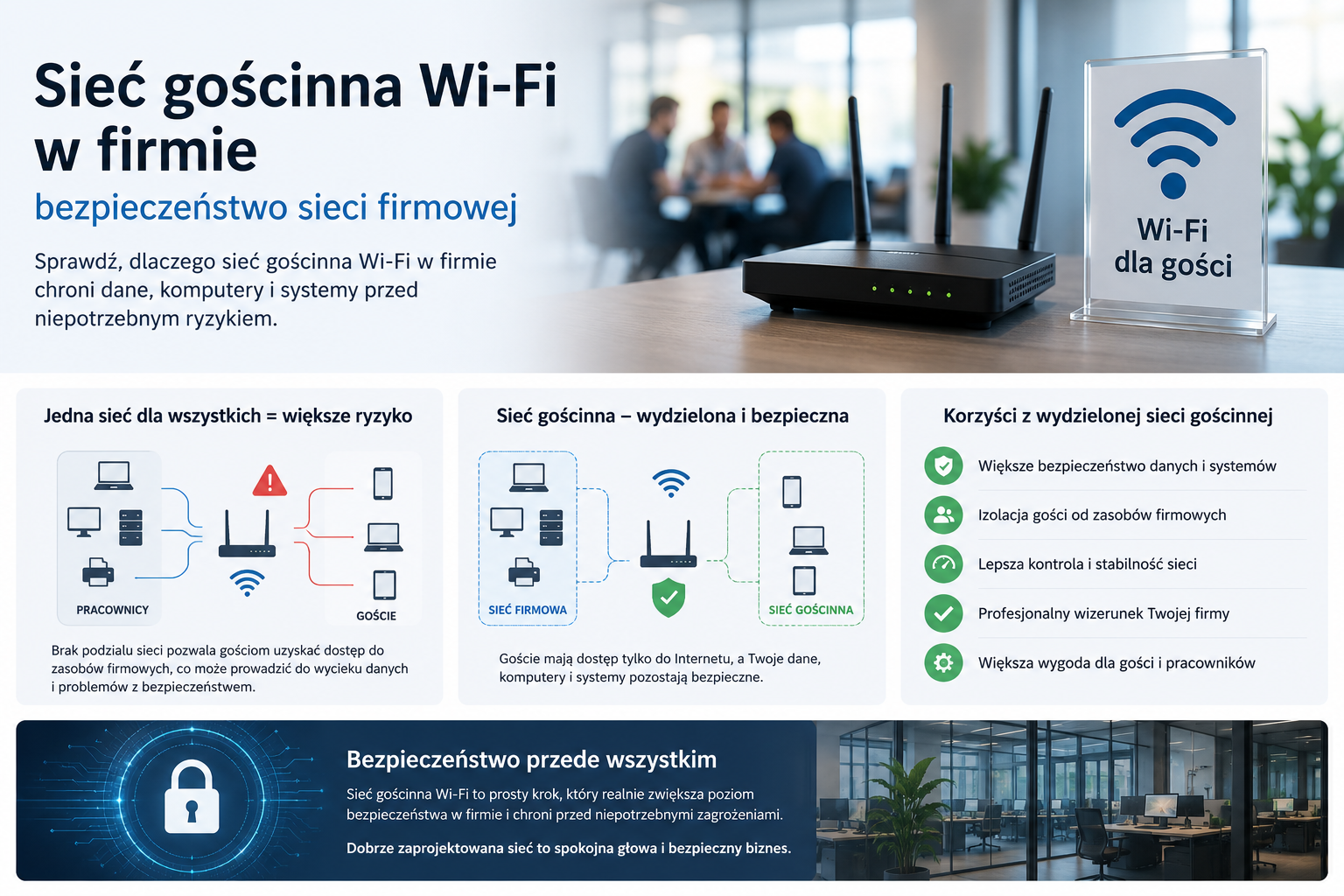
The solution is simple: set up a separate guest Wi-Fi network. Clients still have internet access, but no access to company resources. Employees use their own network, and external devices are placed in a separate, controlled environment.
Well implemented company Wi-Fi setup typically includes a separate SSID, a separate password, client isolation, network segmentation, and access restrictions. In more structured environments, VLAN, i.e. the logical division of the network into separate segments.
- • guests have internet access, but do not have access to the company network
- • guest devices cannot see employee computers
- • traffic can be limited and monitored
- • if necessary, the password for the guest network can be quickly changed
What should the correct Wi-Fi configuration in a company look like?
Not every guest network is automatically secure. Simply creating a second Wi-Fi name isn't always enough if traffic still flows to the same LAN. Therefore, it's important to properly configure network devices.
1. Separate guest network
The guest network should have a separate name, such as Firma_Guest. The password should be different from the employee network and changed regularly, especially if external users are accessing it.
2. Customer isolation
Devices on the guest network should not be able to see each other or communicate with employee computers. This reduces the risk of accidental or intentional network scanning.
3. VLAN and network segmentation
4. Limits and access control
A guest network can have limited speed, time limits, internet-only access, or a simple login portal. This allows the company to maintain control over how the company's connection is used.
Mini-case: One Network for All and the Growing Problem
Imagine a service company that had a single Wi-Fi network in operation for years. Employees, customers, sales representatives, and service technicians used it. The password was written on a piece of paper at the reception desk. Everything worked, so no one noticed the problem.
Over time, slowdowns, random devices on the network, and printer problems began to appear. While cleaning up the infrastructure, it turned out that devices were connecting to the main network that no one could identify. Simply implementing a guest network, separating traffic, and changing passwords significantly improved control over the environment.
This isn't a complex revolution. It's a basic reorganization of IT infrastructure.
How can we help?
We can help with practical organizing Wi-Fi networks for businesses – without unnecessary complexity, but with an emphasis on security, stability and user convenience.
- we will check the current configuration of Wi-Fi and network devices
- we will implement a guest Wi-Fi network for clients and contractors
- we will configure VLAN, client isolation and access restrictions
- we will separate company devices from guest devices
- we will improve network stability, performance and security
- we will prepare a solution tailored to the size of the company
Summary
Sharing the same Wi-Fi network with your employees is one of the most common mistakes companies make. While it may not cause any visible problems for a long time, it increases the risk of resource access, infections, slowdowns, and loss of control over the environment.
Guest Wi-Fi is a simple way to increase security without disrupting your customers. Guests still have internet access, and your business retains control of its own infrastructure.
If you want to improve corporate network security, start with the basics: separate the guest network, secure access to resources and treat Wi-Fi as an important element of the IT infrastructure.