Technology

end of support for Windows 10
Technology

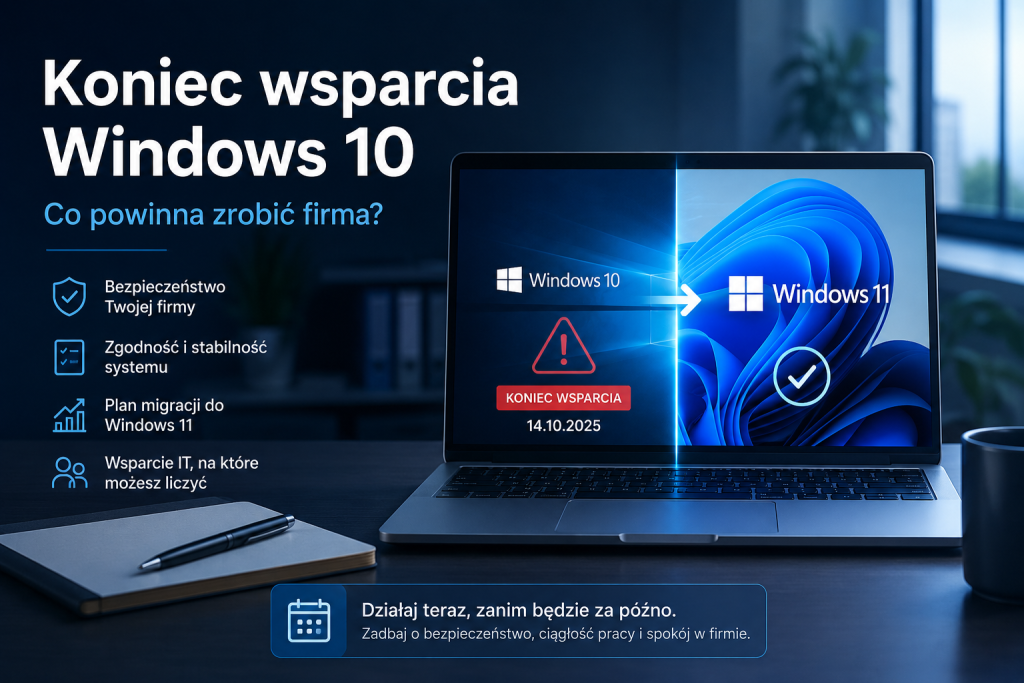
Windows 10 End of Support – What Should Your Company Do?

Introduction. For many companies, Windows 10 still looks the same as before. The computer boots up, the accounting software works, emails are received, the printer prints documents, and employees can perform their tasks as usual. This is why the end of Windows 10 support is often ignored. However, the problem isn't that the system suddenly stopped working.

Read more »
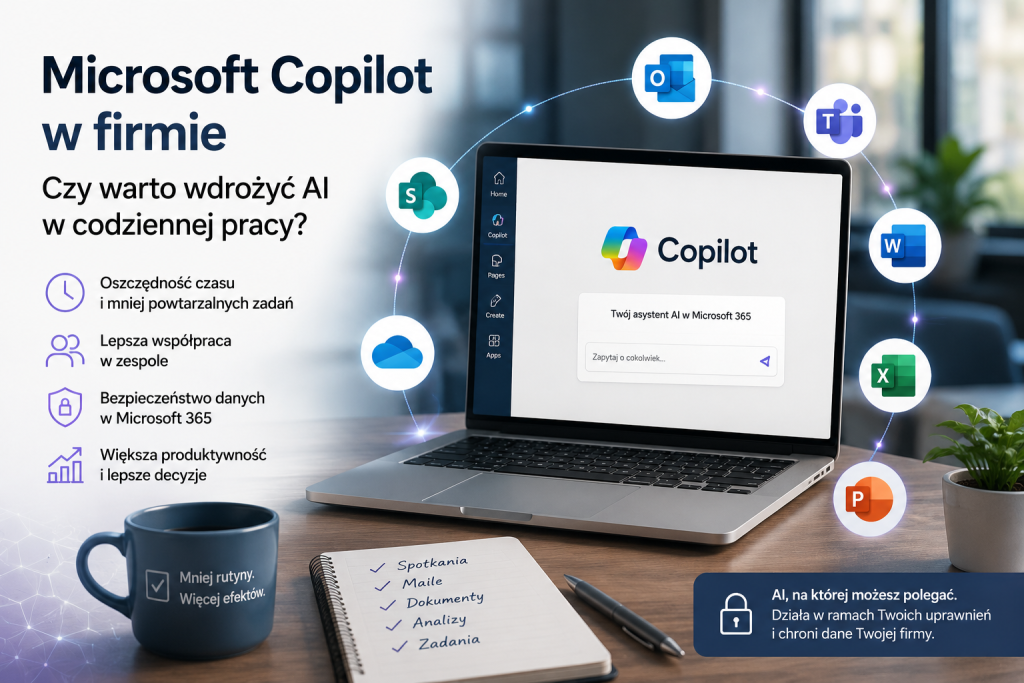
Microsoft Copilot in the company - artificial intelligence supporting office work, documents, email, meetings and data security in Microsoft 365.
Technology

Microsoft Copilot in the company – how to implement AI?

Microsoft Copilot in the company – is it worth implementing AI in daily work? In many companies, the workday begins similarly: dozens of new messages in Outlook, several meetings in Teams, documents to correct, a proposal to prepare, a report to review, an Excel spreadsheet to analyze, and tasks to delegate.

Read more »
Immutable cloud backup as data protection against ransomware - a padlock on the cloud symbolizing a secured backup
Technology

Immutable cloud backup – effective data protection against ransomware

Introduction: Many companies believe that because backups run daily and the report shows a "success" status, their data is safe. The problem is that during a modern ransomware attack, cybercriminals often attempt to delete or encrypt backups first. In practice, this means a company can have backups... and still be unable to access them.

Read more »
VoLTE what is it and how does it work
Technology

VoLTE in the company – what it is and how it affects business calls

We usually take phone calls in our company for granted—until they start causing problems. Poorer voice quality, longer connection times, "discontinued" calls in the field, or signals from customers that it's becoming increasingly difficult to reach them. Increasingly, the cause lies not with the phones themselves or the operator, but with technological changes that have already

Read more »
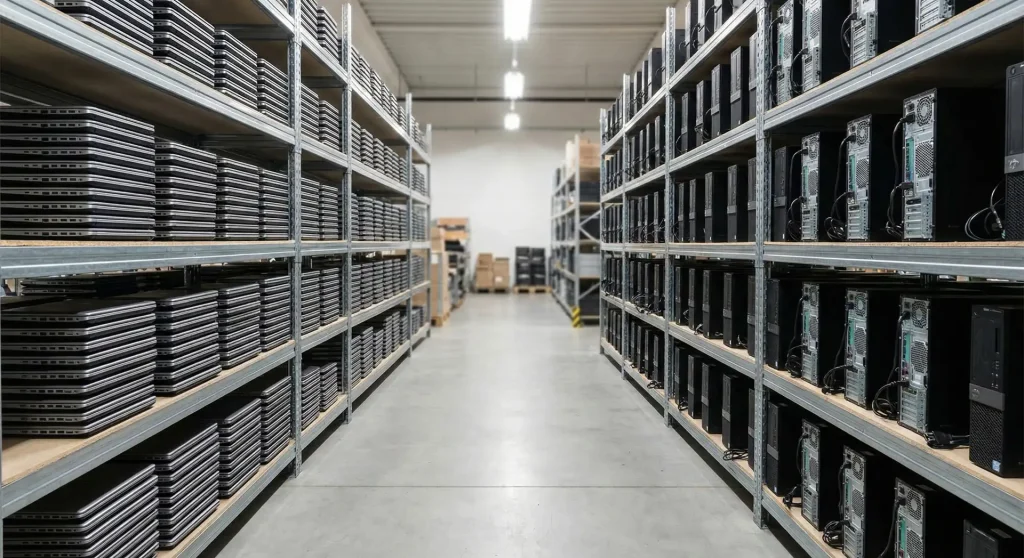
Company Computer - Which company computer is best for office work? IT services Warsaw, Ożarów Mazowiecki
Technology

Company computer – what really matters when choosing equipment for work

Buying a computer for your business is rarely a simple decision. On the one hand, you want the equipment to be fast and reliable, but on the other, there's no point in overpaying for features that no one will use in their daily work. Add to this the conflicting advice, marketing descriptions, and "ideal configurations" that often mean little in practice.

Read more »
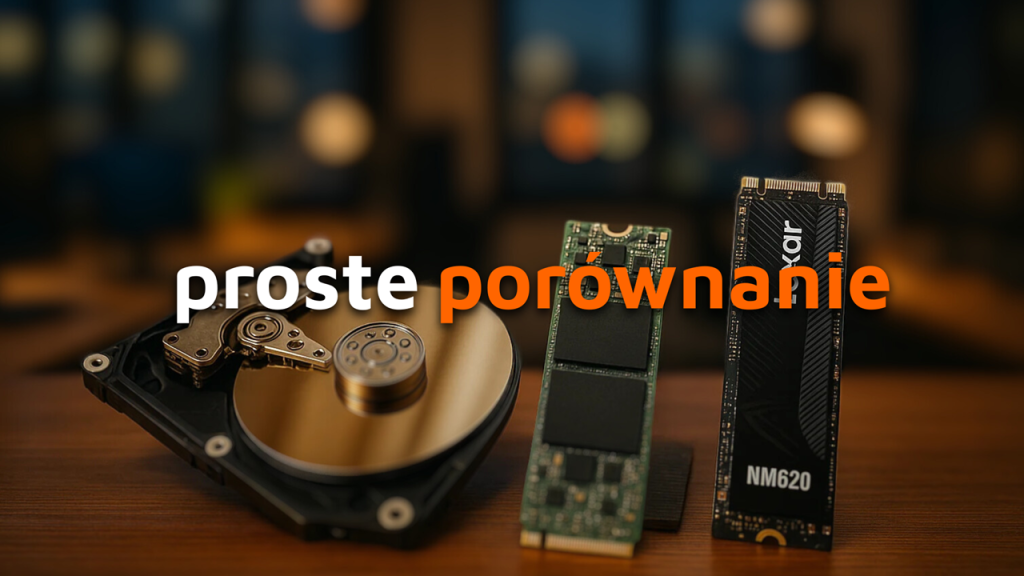
Comparison of HDD, SSD and NVMe drives - IT support in Warsaw and the surrounding area, help with choosing a drive for the company
Technology

NVMe, SSD SATA or HDD SATA? Is it worth paying extra for a business computer?

Choosing the right drive for your business computer is a decision that affects both your work efficiency and your business operating costs. In 2025, the market will offer three main technologies: traditional SATA HDDs, faster SATA SSDs, and the latest and most efficient NVMe drives. Which of these options will work best in a business environment? Is it always worth it?

Read more »
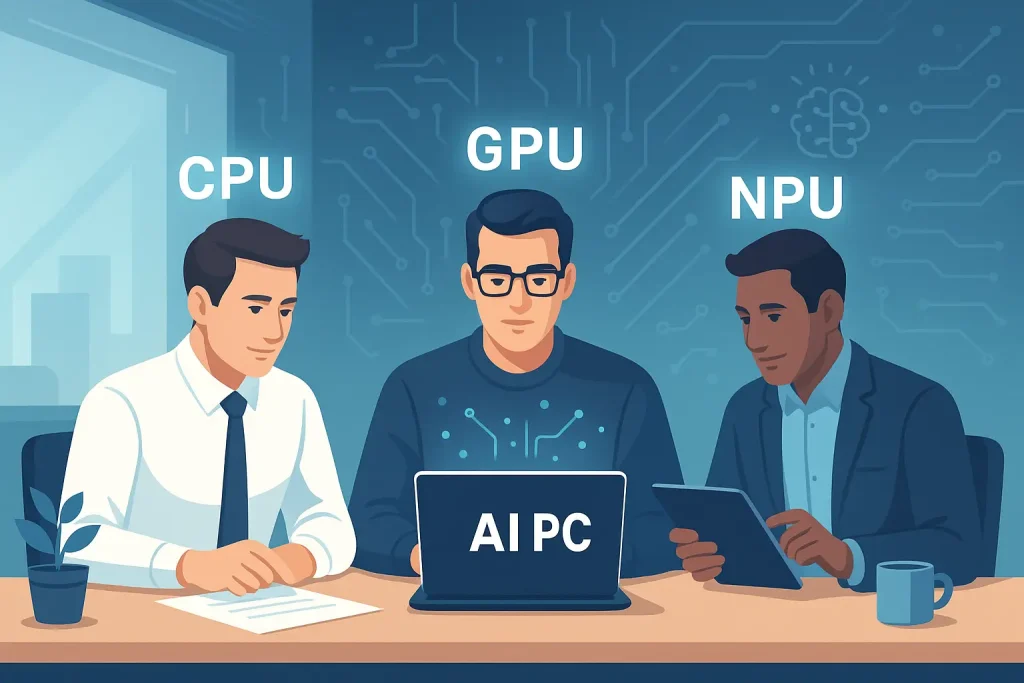
Cloud computing in a small company, blue background, employees on it Simple IT - IT specialist Warsaw
Technology

Cloud Computing for Small Businesses: What Is It and Is It Worth It?

Cloud computing is becoming an increasingly popular solution among small businesses, providing access to advanced technologies without the need for large investments in IT infrastructure. Cloud solutions offer flexibility, scalability, and potential savings that were previously available only to large corporations. In this article, we analyze in detail what cloud computing is, what are its advantages

Read more »
Technology

DDR4 or DDR5 – Which RAM to choose?

Choosing the right computer equipment for your business is not only a matter of price, but also an investment in efficiency and comfort of work. One of the key elements of every computer or laptop is RAM. It is responsible for the speed of programs, the ability to work on multiple windows at the same time or the fluidity of browsing the Internet. Today we will take a look at

Read more »
Technology

Virtualization: Key Aspects and Best Practices for Effective IT Resource Management

Server virtualization is an advanced process of dividing a physical server into many unique and isolated virtual servers using dedicated applications. Each server can independently run its own operating system and execute its own individual processes on it. Advantages of virtualization Resource utilization Thanks to virtualization, you no longer have to buy another

Read more »