A qualified signature can stop working at the most inopportune moment: during submissions to the Social Insurance Institution (ZUS), ePUAP, KSeF, JPK, tenders, contracts. The problem usually isn't a "broken signature," but rather a minor change in the system (update, driver, browser, permissions) that blocks the signature.
Below you will find the most common causes and a checklist to help you quickly narrow down the source of the problem.
What does the problem look like? Common symptoms
What does the problem look like? Common symptoms
• The browser does not see the certificate / does not show the signing option
• Token/card is not detected
• The signing "goes around" and nothing happens
• I get a signature error or certificate error
• It worked yesterday, it doesn't work today
• It works on one computer, but not on another
• Does not work in RDP / on server / in virtual machine
It is worth determining right away where you are signing:
• In the browser (e.g. ePUAP, tender platforms)
• In the signature provider application
• In the accounting/ERP program
• Via Remote Desktop (RDP) or on the server
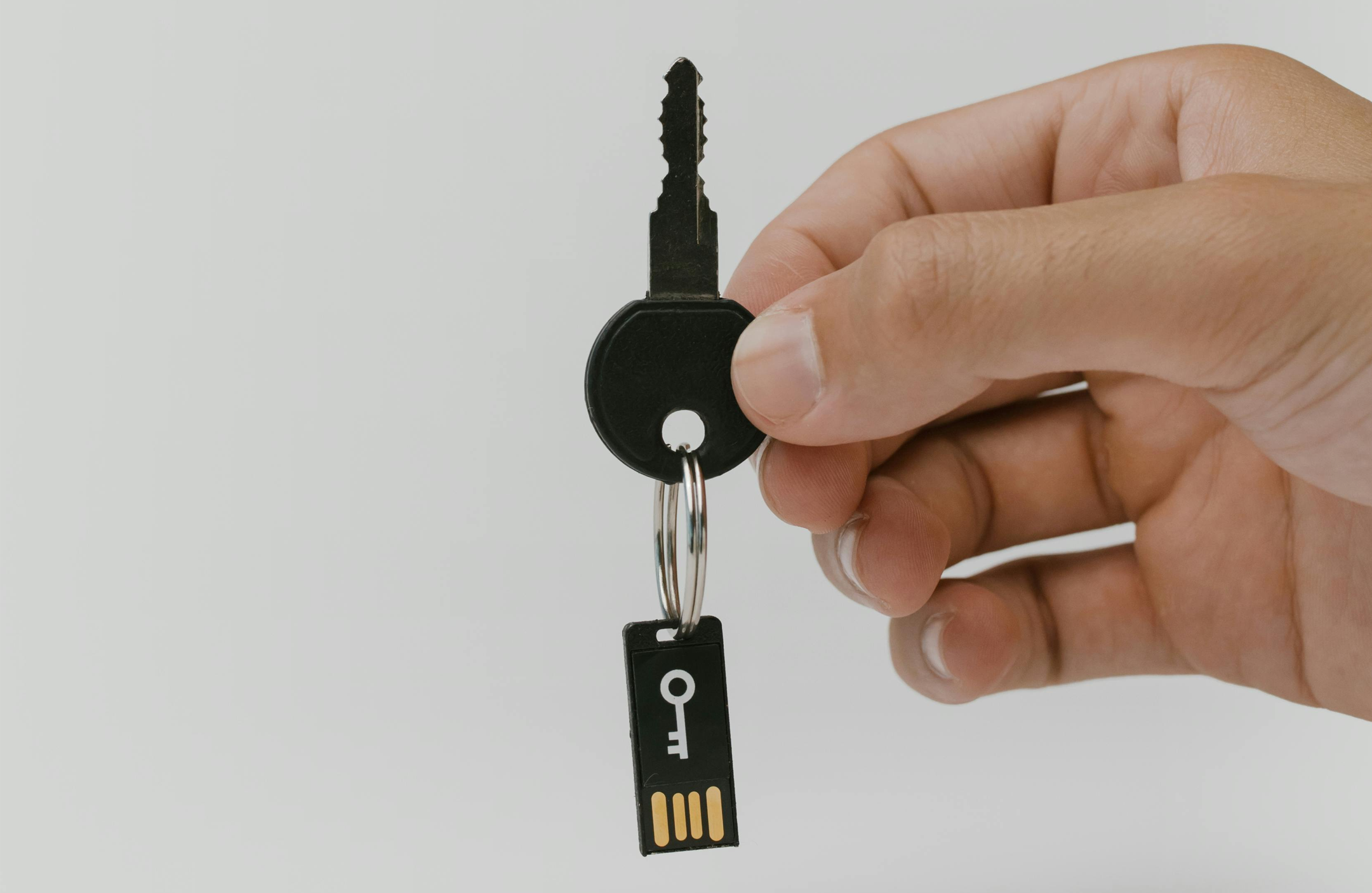
What could be the reasons why your qualified signature is not working?
1. Windows/browser update changed the behavior of the signature component
After Windows Update or update Chrome/Edge/Firefox may change permissions, add-on/plug-in integration, or security settings.
What to check:
• Check the signature in another browser (Edge ↔ Chrome)
• Check with another Windows user profile
2. The certificate has expired or the token/card has been blocked
The simplest reasons occur most often:
• The certificate has expired
• After several incorrect PIN attempts, the token may get blocked
What to check:
• Check the validity of the certificate in the signature provider's application
3. Token/card not detected - driver, USB port, reader
The reasons are sometimes trivial:
• The driver was not installed correctly
• Windows replaced the driver
• USB hub/docking station problem
• The service responsible for the token does not start
What to check:
• Connect the token directly to the USB port on your computer (without a hub/dock)
• Change USB port
• Check operation on another computer
4. Conflicting signatures or blind repairs„
If different signature components were installed on the computer (or "someone installed whatever they wanted"), they may conflict with each other:
• Libraries and add-ons
• Background services
• Certificate configuration
Effect: random behavior, errors, or "sometimes it works, sometimes it doesn't.".
5. The platform (e.g. ePUAP/tenders) is sensitive to security settings
Some signature platforms are sensitive to:
• Browser configuration
• SmartScreen/protection
• Blocking components from starting
• Specific environment settings
Usually the following approach helps: diagnosis + correct configuration, not multiple reinstallations.
6. Signature in RDP / on the server / in the virtual machine
In companies, the signature is often supposed to work on the accounting server or in a remote session.
Problems usually arise from:
• No USB redirection
• Security Policy
• Permissions
• Differences in configuration between the local computer and the server
If the signature is to work in RDP/VM, it is worth setting it up properly - makeshift ones often show their face at the least appropriate moment, e.g. 15 minutes before the deadline for submitting the signature (we have already saved ourselves from such situations).
What to do at the beginning – start without worries
1. Restart your computer (signature services can get stuck).
2. Plug the token into another USB port, preferably directly into the computer.
3. Check on another computer (you will immediately know whether the token or the system is to blame).
4. Check the validity of the certificate in the signing application.
5. Try a different browser (Edge/Chrome).
6. If you are signing in RDP: check USB device redirection.
If it still doesn't work after this, the problem most likely lies in drivers, system components, permissions or security policies, and it's worth approaching it methodically to avoid additional work and messing up the configuration.
What to prepare for a quick diagnosis
• Signature Provider (e.g. Certum/Sapphire, KIR, EuroCert, Asseco e.t.c.)
• Windows 10/11 + whether it is a laptop/PC
• Where do you sign (ePUAP/KSeF/JPK/application)
• Is the problem on one or multiple stations?
• Does this apply RDP/Server/VM
• Error text (preferably a screenshot)
You can contact us with this information and we will do our best to solve your problem.

FAQ - questions and answers
The token itself works locally, but most platforms and signing processes require a connection to a service/service, so the lack of internet can look like a "broken signature".
Yes, but it needs to be set up properly (device redirection, permissions, environment configuration).
Sometimes it helps, but often it makes the situation worse, as component conflicts and system clutter inevitably result. The quickest way is to run a few tests (different browser, different computer, direct USB) and only then decide what actually needs to be fixed.
A qualified signature is assigned to a specific person. Technically, the token can be re-linked, but formally, the signature always identifies the certificate owner. This is a common organizational mistake in companies – it's better for signers to have their own signatures.
You can use the same token on different computers, but each computer must have the correct components/drivers installed. In practice, it's worth standardizing workstations so that signatures work predictably across the entire company.
Most common: token/reader driver, signature component, Windows update, conflict after installing different versions of signature software, or permissions problem on the computer.
This may be due to permissions, component access, per-user or per-machine installation, or where the program stores its configuration. It's also common in companies to sign on an account without local permissions.
Most common causes include a change after a browser update, a component blockage, an add-on conflict, or a lack of access to a certificate in the system. It's worth checking in Edge and Chrome, as well as with a different Windows user profile.
It might. Sometimes, the protection is blocking a component, driver, or browser integration. If it suddenly stopped working after a security update, it's worth checking the logs/events and exceptions—rather than reinstalling everything from scratch.
Yes. Such situations are classic "fires" that can bring accounting, HR, or the document signing process to a halt. Our team helps companies with similar issues every day: qualified signatures, certificates, browser configuration, token drivers, RDP/VM work, component conflicts, and update effects.
In many cases, yes, as long as we have access to the computer/environment via the remote assistance application and can check the configuration. If the problem turns out to be hardware-related (token, reader, USB port), we suggest simple tests that immediately narrow down the cause.
How can we help you?
We operate on a daily basis by providing IT services for companies and we are your external IT department, operating as if you had your own IT specialists on-site. When a sudden problem arises (e.g., a qualified signature stops working with ZUS, ePUAP, KSeF, JPK, or when signing contracts), we simply you report the issue and we take it on. We respond quickly, diagnose the cause, and bring the matter to a conclusion without hours of blindly trying.
This relieves your head from such fires and minor accidents, so you can focus on running your business, rather than struggling with settings and error messages. You could just as easily solve this problem yourself, and you'll probably succeed eventually. However, the question arises: is it worth spending time on this and adding unnecessary stress to yourself, since it's not within your scope of duties or core competencies?. Thanks permanent cooperation you have real support in difficult situations and peace of mind knowing there is someone who knows your environment and handles such topics on an ongoing basis.