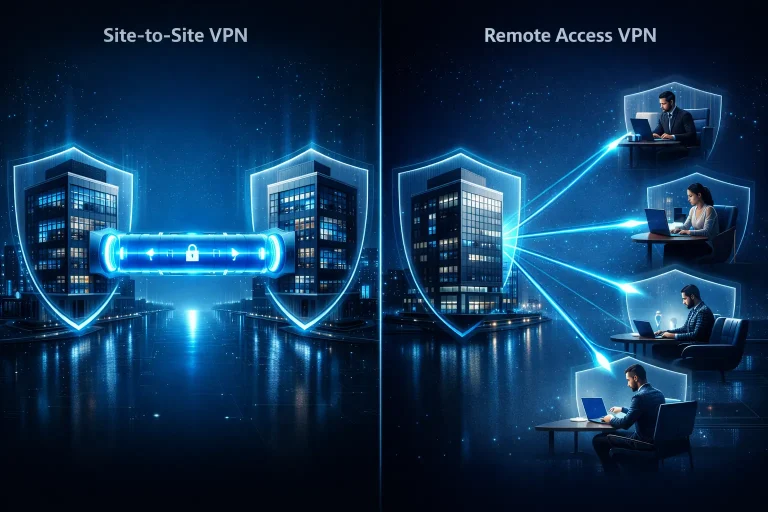
The system is working. Computers are turning on, mail is arriving, and accounting is issuing invoices. But does this mean your IT is secure, organized, and ready for a failure or attack?
In many companies, technology "works"—until it stops. Only then do they discover that backups haven't been tested, access is over-provisioned, and licensing costs are rising faster than sales. That's why more and more businesses are deciding to examine their technology infrastructure.
In this article we will show you step by step what it looks like IT audit in the company, what it covers, what real business benefits it offers and what you can expect from it – without technical magic, but with specifics and common sense.

Why does a company need an IT audit if „everything works”?
Is "working" really the same as "working well, safely, and optimally"? In practice, these are two completely different states. Systems can function day-to-day while simultaneously generating hidden risks, unnecessary costs, and dependencies that only become apparent in a crisis.
In many small and medium-sized companies, IT grows organically. A new employee joins – we create an account. A new service – we add another tool. We move email to the cloud, but some resources remain local. After a few years, a working environment is created, but no one has a complete picture of the whole.
„It works” does not mean „it is safe”
The most common scenario? No real verification of backups. Backups are configured, reports are coming in, but no one has verified whether the data can actually be restored. Add to that accounts with excessive permissions, lack of multi-factor authentication (MFA), or outdated operating systems.
An IT security audit allows you to answer one key question:
In the event of an attack, failure or human error, will the company survive without serious losses?
„It works” does not mean „it is cost-effective”
The second area is costs. Many companies pay for:
• unused licenses,
• duplicate cloud services,
• solutions that were once needed and are now unnecessary,
• lack of standardization of hardware and software.
An IT infrastructure audit often reveals areas where financial resources are dispersed or underutilized. Importantly, it's not about cutting everything, but about streamlining and making informed decisions.
„It works” does not mean „it is resistant to change”
Companies grow, change their work models, and embark on new projects. Remote work, new integrations, ERP systems, warehouses, and e-commerce are emerging. If an IT environment wasn't designed with scalability in mind, it begins to resemble a makeshift structure—stable until the first heavy load.
IT audit in the company allows you to check:
• will the infrastructure withstand development,
• whether access to data is well managed,
• are the systems properly documented,
• is there a business continuity plan in the event of a crisis.
It's a bit like a car inspection. The car can be driven, but the inspection shows whether the brakes, suspension, and tires are actually in good condition. Without it, the risk increases with every mile.
„It works” does not mean „someone is in control of it”
Many SMEs lack an up-to-date IT asset inventory. No one has a complete list:
• servers and virtual machines,
• cloud services,
• integration between systems,
• privileged accounts,
• security policies.
An audit isn't just about auditing for the sake of auditing. It's about organizing knowledge about your environment. Only with a complete picture can you make informed decisions—technological and business.
That's why an audit isn't a reaction to a problem, but a preemptive measure. It's not about finding someone to blame, but about building stability, security, and predictability. And in a world where data is one of a company's key assets, it's an advantage that's invisible at first glance—but one that makes a huge difference at a critical moment.
What is an IT audit really like – technical and organizational scope?
Is an IT audit just a "computer and server check"? In practice, it's much more than that. It's a comprehensive analysis of a company's technological environment—both technically and organizationally. Because even the best-configured system won't function properly if the company's processes are chaotic.
An IT audit isn't about finding errors for the sake of it. It aims to answer three questions:
• is the infrastructure stable and efficient,
• whether the data is adequately protected,
• whether the IT management method supports the business and does not limit it.
Technical scope – what is actually checked?
In the technical area, the audit includes a full IT inventory and analysis of the configuration of key environment elements:
• corporate network – routers, firewalls, segmentation, remote access
• servers and virtual machines – updates, configuration, load
• workstations – security policies, device management
• backups – are they made, where are they sent and can they be restored?
• cloud services (e.g. Microsoft 365) – permissions, MFA, access policies
• privileged accounts and Active Directory – who has access to what
This is where excessive permissions, lack of backup recovery testing, and outdated configurations that „work” but do not meet current security standards often come to light.
Organizational scope – what is not visible in cables
The second area is equally important, though less obvious. The audit also covers the company's IT management:
• are there procedures for granting and revoking access
• are there written security policies?
• is it known who is responsible for specific systems?
• whether the company has a business continuity plan in the event of a disaster
Technology and processes are inextricably linked. You can have a modern firewall, but if every employee has a local administrator account, the risk level remains high.
Infrastructure, security or compliance audit?
In practice, an audit may have different emphases:
• IT infrastructure audit – focused on performance, stability and architecture
• IT security audit – focused on risks, vulnerabilities and data protection
• compliance audit – assessing compliance with regulatory or industry requirements
We don't provide separate services. We provide one comprehensive IT audit that covers all these areas.
A well-conducted IT audit integrates these areas into a coherent whole. It doesn't analyze individual elements in isolation, but rather looks at the environment as a system of interconnected vessels.
That's why an audit isn't a one-time "scan" or checklist. It's a structured analysis that combines technology with workflow and translates them into specific business recommendations. Only this approach delivers real value—not just another PDF presentation.
What does an IT audit look like step by step?
Does an IT audit mean "we go in, we scan, and we come out with a report"? A well-conducted audit is a process with clear steps and ends with an action plan, not just a list of observations.
1) Determining the purpose and scope
To begin, the company is clarified on what's most important to it: business continuity, data security, licensing costs, preparation for development, and sometimes compliance with customer or industry requirements. This ensures that the audit isn't "all-inclusive" and "all-inclusive," but rather responds to real business needs.
2) Inventory and data collection
This is the stage where facts about the environment are collected:
• what are the servers, cloud services, network, end devices,
• what accounts and roles have access to key systems,
• what backups are and where they go,
• what integrations work between systems (e.g. ERP, mail, e-commerce).
The goal is to build an up-to-date IT picture – even if documentation is incomplete or scattered.
3) Configuration and security analysis
Here, the most important areas of risk and stability are verified, including:
• backup and recovery (including recovery tests, if possible),
• privileged permissions and accounts,
• MFA and access policies (especially in Microsoft 365),
• updates, security status, event logging,
• network and remote access (VPN, segmentation, firewall rules).
This is the stage where „why it works” and „what might go wrong first” often come to light.
4) Risk assessment and priorities
Audit conclusions are ranked by business impact. The key is to ensure that recommendations don't take the form of "everything needs to be improved," but rather:
• what needs to be done urgently (critical risk),
• what is worth improving in the short term (short-term),
• what to plan for development (long term).
5) Report and action plan
A good IT audit report includes not only a description of the status, but also:
• clear recommendations (what, why, in what order),
• risks described in business language (consequences, not just technicalities),
• a step-by-step list of actions that can be implemented.
At this stage, the audit begins to bring real value because it turns the diagnosis into specific decisions.
How to prepare your company for an IT audit so that it goes smoothly
Is there any special preparation required for an IT audit? Not necessarily, but a few simple steps can significantly speed up the work and make the conclusions more accurate. An audit isn't an exam – it's a collaborative analysis aimed at streamlining the environment, not at judging anyone.
A well-prepared company saves time and moves faster from diagnosis to specific improvements.
What should you prepare before an audit?
The following elements don't have to be perfect or complete. They just need to exist in some form:
• list of key systems and services (e.g. ERP, CRM, mail, warehouse, e-commerce)
• list of cloud services and domains used
• general information about backups – where they are, how often they are performed
• list of people with administrative access to the systems
• information about remote work and VPN access
• list of integrations between systems
• access to the current contract with the Internet and IT service provider
• indication of a contact person on the business side, not only IT
This isn't about creating new documentation "for auditing." It's about gathering what's already in place within the company, even if it's scattered across emails, spreadsheets, or employee minds.
Get your goals in order before we start
It is also worth answering one question: what is the biggest challenge in the IT area today?
• data security?
• rising licensing costs?
• frequent downtime?
• no control over access?
The clearer the objective, the more precise the audit will be. Analyzing the environment of a manufacturing company is different from that of an accounting firm or an organization working remotely at 100%.
Transparency instead of "cleaning up for show"„
A common mistake is trying to "clean everything up" just before an audit. It's a bit like trying to fix system errors instead of understanding their origins. A much better approach is full transparency—even if something isn't working perfectly.
A company's IT audit should demonstrate the actual state of the environment, not a demonstration. The more openly we approach the topic, the greater the value of the final recommendations.
Good preparation isn't about perfection, but about collaboration and a willingness to discuss the facts. This is when the audit ceases to be a formality and becomes the starting point for real improvements.
What you get after an audit – and how to read the report so it doesn't end up in a drawer
Is an audit report just a few dozen pages of technical description? If so, something went wrong. A well-conducted audit results in a document that helps inform business decisions, not just archives knowledge.
What should a good IT audit report include?
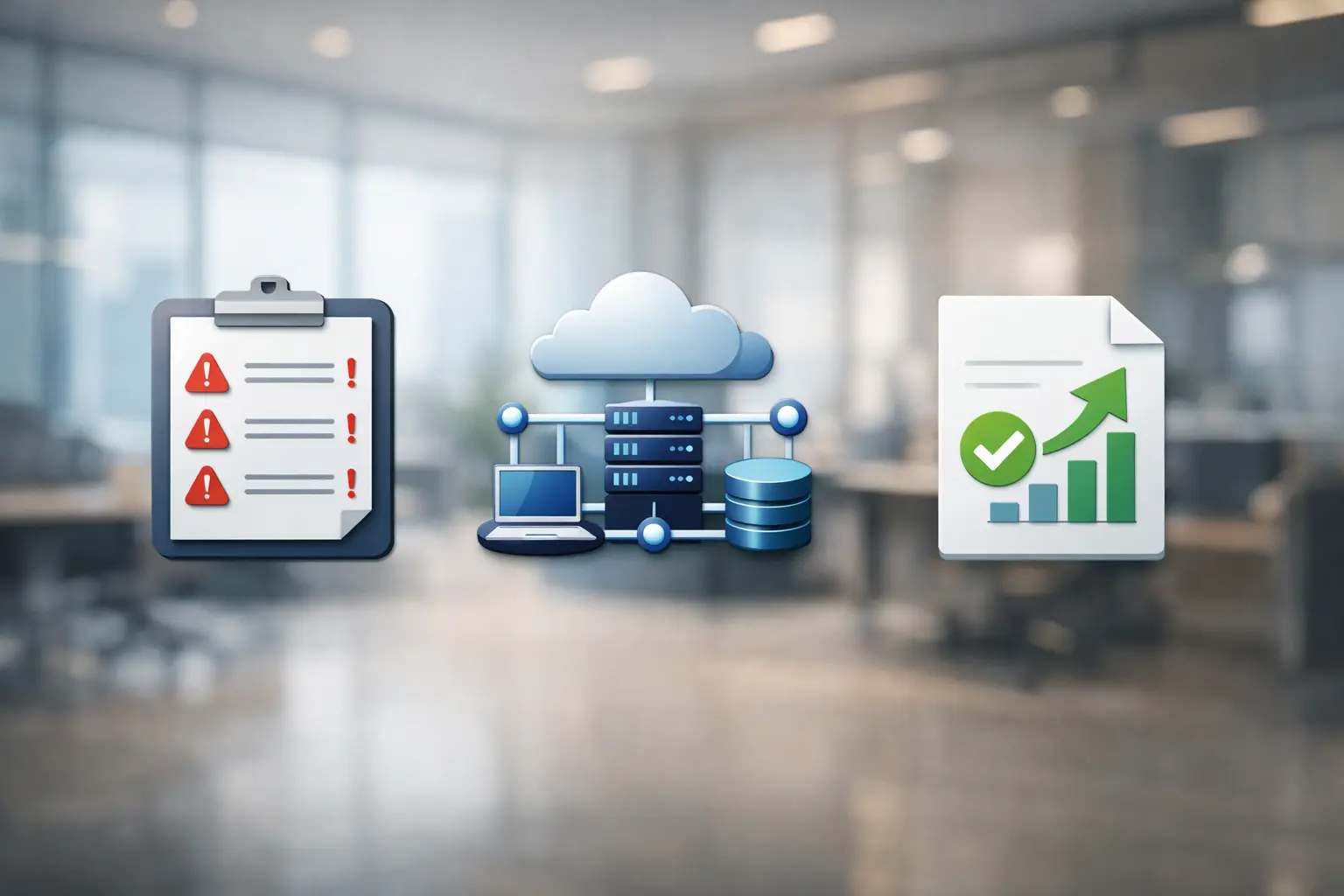
In practice, you get three key elements:
• image of the current state of the environment – clearly described, without excessive jargon,
• list of risks and irregularities – with an explanation of the consequences for the company,
• recommendations after an IT audit – arranged by priority.
The most important thing is that each recommendation answers the question: What will happen if we don't do this? Only then can the management or business owner make informed decisions about the next steps.
How to read a report so that it makes sense?
Instead of analyzing the document from a technical perspective, it is worth looking at it from three perspectives:
• which risks can actually stop the business,
• which activities will bring quick results with little effort,
• which areas require a long-term modernization plan.
An IT audit report shouldn't be a "do-it-all" list. It's a roadmap—it shows where we are and in what order it's worth implementing changes.
An audit is only worthwhile if it leads to action. Even the best analysis won't deliver value if it's filed away in a "To Read Later" folder. Therefore, it's crucial to translate the findings into a concrete implementation plan—step by step, aligned with business priorities.
What does it look like for us – an IT audit from A to Z
Can an IT audit be both technical and understandable for the business owner? That's precisely what we strive for. For us, an audit isn't an "IT project," but a tool to organize and strengthen your business.
We start with the goal, not the technology
The first step is to discuss what's truly critical in your company. Sales? Production? Accounting? ERP? Only then will we determine the scope of the audit.
We don't focus on checking everything for the sake of it. We check what has a real impact on business continuity, data security, and costs.
Full analysis – technical and organizational
As part of a company IT audit, we analyze both the infrastructure and how it is managed. This includes:
• network, servers, virtual environment and workstations,
• cloud services, including Microsoft 365 configuration,
• backup copies and real possibility of restoring data,
• administrative access and permission management,
• documentation, procedures and business continuity plan.
We don't limit ourselves to "vulnerability scans." We're interested in the full picture of the environment and how IT supports the team's daily work.
A report with priorities, not theory
After completing the audit, we provide a report that:
• clearly identifies risks and their business consequences,
• organizes activities according to urgency,
• contains specific recommendations that can be implemented.
We avoid excessive technical jargon. Instead, we explain what a given issue means for your company in practice – financially, operationally, and in terms of brand image.
From diagnosis to implementation
An audit without further action is often meaningless. That's why we can also support you in implementing recommendations – step by step, in line with established priorities.
We work flexibly and communicate in a way that's convenient for you—via the ticketing system, phone, email, or Microsoft Teams. Most importantly, you feel in control of the process and know what's happening with your IT environment.
For us, an IT audit isn't a one-time check, but a starting point for organizing and strengthening your entire infrastructure. If you want to know the current state of your IT and what needs to be improved first, we can work through this process together.
Frequently asked questions
In most cases, no. The analysis is performed without shutting down the systems or interfering with the team's daily work. If any element requires testing (e.g., restoring a backup), we arrange this in advance to avoid disruption to business operations.
In practice, we recommend a full audit every 1-2 years or after major changes such as cloud migration, implementing a new ERP system, or expanding infrastructure. Additionally, it's worth conducting a re-analysis after any significant security incident.
Yes. We review cloud service configuration, access policies, MFA, device management, and data archiving and backup methods. Many risks today relate to cloud environments, so we don't overlook this area.
This is a common situation. As part of the audit, we help reconstruct the environment and organize the basic inventory. Lack of documentation isn't a barrier—it's just one of the elements worth addressing.
Yes. In addition to the report and recommendations, we can also implement the recommendations—from security configuration and backup management to licensing and infrastructure optimization. This means the audit goes beyond theory and translates into real changes.
We conduct audits both locally and remotely, depending on the needs and nature of the environment. We serve companies in the Warsaw region and surrounding areas, but we also work with clients throughout Poland, utilizing secure remote connections and proven procedures.
An IT audit isn't just an audit for the sake of auditing, nor is it a formality on paper. It's a structured look at the infrastructure, security, and technology management within your company. It lets you know where you really stand—what your risks are, which areas require urgent improvement, and which can be developed in the long term.
A well-conducted IT audit in a company provides more than just a report. It provides an action plan, priorities, and a basis for informed business decisions. This is the difference between "IT as a cost" and "IT as a development support.".
If you feel like everything is working, but you lack full control over your environment – get in touch. We'd be happy to help you check the condition of your IT and what needs to be addressed first.