In most companies, a crisis moment strikes suddenly: someone accidentally deletes an important folder, a laptop with a sales presentation ends up on the floor, and project files are scattered across OneDrives, flash drives, and employee personal computers. Suddenly, no one knows where the latest version of the document is—or if a copy even exists.
That's when the question arises: „Isn’t there a simpler way to keep company data in one place?” It is – and for many companies it turns out to be QNAP. This isn't just another "network drive," but a tool that can organize company chaos, protect data from ransomware, and bring real order to departmental files.
In this article you will go through a practical guide: what is QNAP for businesses, when it makes sense, what problems it actually solves, how much it costs, and what to avoid to ensure the device actually protects data, not just sits in the server room. Everything is clear, without jargon. If information clutter is growing in your company, this article will help you decide whether QNAP is the right move.
When a regular hard drive is no longer enough – a data problem in the company
In small and medium-sized businesses, things usually start out innocently enough. Employees save files wherever convenient: on a laptop, in their private OneDrive, on a decade-old network share. As long as the team consists of a few people, it somehow works. Problems arise when the number of documents increases and responsibility for their security becomes blurred between departments.
The most common effect? Chaos, which sooner or later leads to losses. All it takes is an accidental file deletion, a laptop disk failure, or a ransomware infection encrypting Windows shares. Suddenly, access to offers, projects, and documentation disappears, and the company wastes time and money rebuilding what can still be recovered.
A regular hard drive—even a large and fast one—doesn't solve a fundamental problem: the lack of a central place where data is organized, controlled, and regularly secured. Companies today need not just file storage, but a tool that protects against human error, failures, and cyberthreats.
That's why more and more businesses are looking for more advanced solutions than a single computer or a simple network share. This is where QNAP comes in – a server that organizes file structures, automates backups, and provides security that a regular hard drive simply can't provide.
What is QNAP in practice – a business perspective
QNAP NAS as a file and backup server in the office
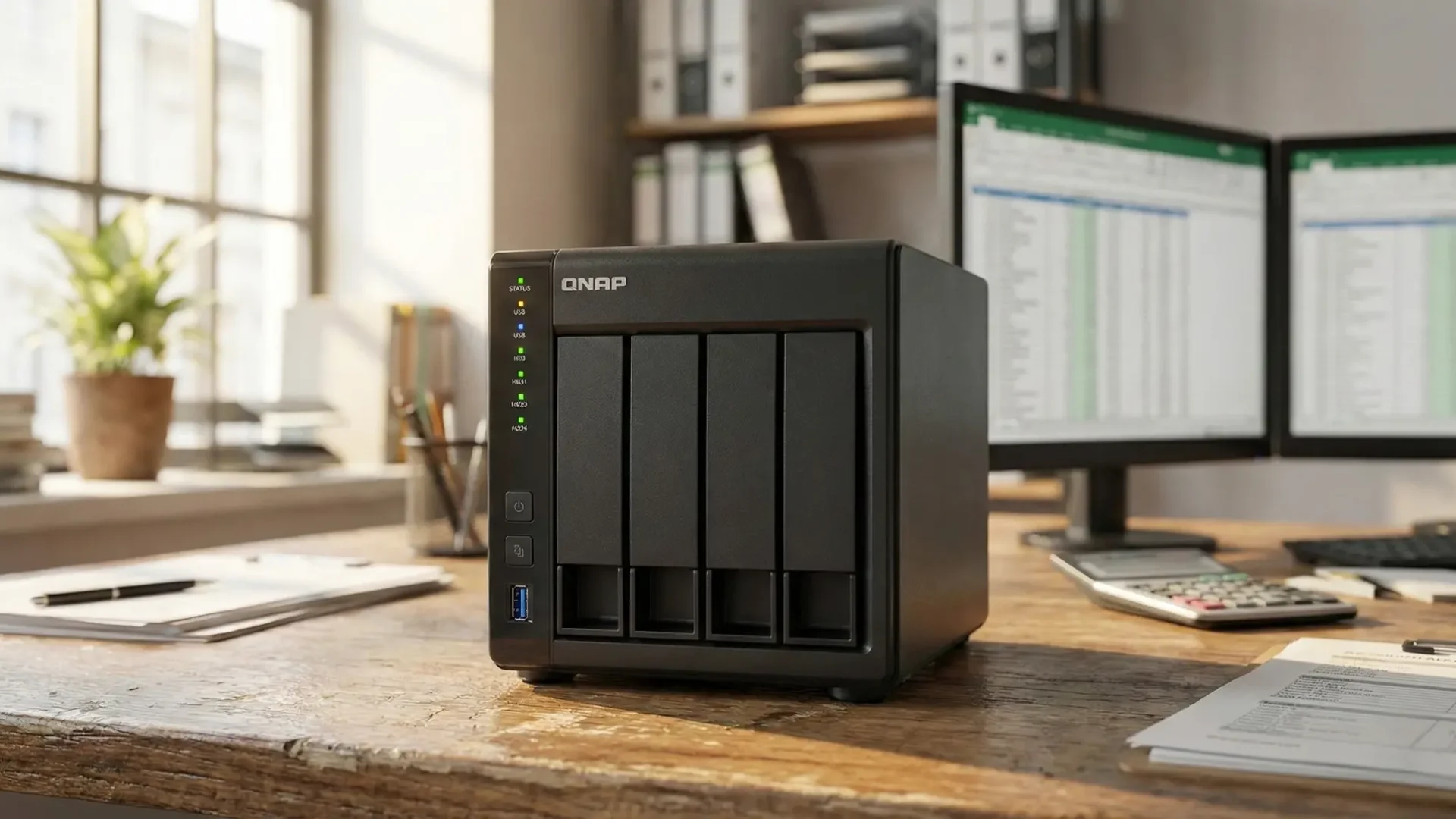
For many companies, a QNAP is the first step towards organizing their corporate data. It's a small, quiet server with disks that sits in the office and serves as a central place for document work. Employees log into their departmental folders, have access to the appropriate files, and permissions are easily managed. Unlike a standard network drive, a QNAP acts as a full-fledged server—storing data, protecting it from failures, and performing automated backups.
It can be treated like an internal "company cloud," but with complete control over who has access to what. This minimizes the risk of accidentally deleting or losing documents, making team work simpler and more predictable.
QNAP a remote work and access to data from outside the office
Businesses increasingly need secure access to files regardless of their location. QNAP offers this in several ways, from a traditional VPN to its own remote access tools. Employees can open a document while on the go or at home, and all changes are saved as if they were working at the company's office.
This is especially important where large projects, photos, graphics, or CAD files are created, which cannot be conveniently processed solely in the cloud. QNAP provides fast, local access – while also allowing remote work when necessary.
For many companies, this flexibility is QNAP's greatest advantage over a traditional Windows server or a chaotic collection of OneDrives. And if you're wondering whether such a solution makes sense for your company, we can help you assess your needs and choose the right direction for your infrastructure development.

The most important applications of QNAP in small and medium-sized businesses
Central document storage and access control
One of QNAP's key roles is to create a single, organized place for all company files. Departmental documents are placed in appropriate folders, permissions are clearly assigned, and employees don't have to guess where the current version of a contract or report is. This significantly reduces chaos and the risk of errors, especially when the team grows or works in different locations.
Automatic computer backup and servers
QNAP can regularly copy data from workstations and servers, eliminating the need for companies to rely on manual backup attempts. The schedule works automatically, and restoring files after accidental deletion or a failure takes just minutes. This means less stress and a reduced risk of costly downtime.
Private cloud and convenient file sharing with clients
More and more companies need a secure way to exchange files with clients and subcontractors. QNAP allows users to generate links to folders, share projects, and work on documents without having to send large attachments. It's a good alternative to public cloud services, as data remains under the company owner's full control.
Ransomware protection and fast data recovery
Built-in snapshots act as "points in time" to which you can revert after an encryption attack or accidental file deletion. This is one of the most effective ways to secure your data, allowing you to restore it to a pre-incident state without significant downtime. For many businesses, this is a key reason to choose QNAP over simpler network drives.
QNAP, cloud and office server – what, when and for whom?
Many companies today face a dilemma: invest in cloud solutions, retain their servers in the office, or combine both approaches. QNAP fits this bill well, effectively complementing the cloud's capabilities where speed, security, or cost constraints arise.
When is the cloud alone enough?
For small teams working mainly on Office documents, fully embedded in Microsoft 365, a purely cloud-based approach can be sufficient. Files are accessible everywhere, and costs remain predictable. The problem arises when there are a large number of documents or when working on large graphic designs or CAD files that cannot be conveniently managed solely online.
When do QNAP and the cloud work best together?
This is a common model in manufacturing and design companies, creative agencies, and technical departments. QNAP provides fast, local access to critical data, while the cloud handles the rest of the work—mail, documents, and sharing. Combining these two worlds allows you to work efficiently on-premises while also enjoying the benefits of the Microsoft 365 ecosystem without being overwhelmed by large files.
When is QNAP a real alternative to a classic server?
For companies that don't want to maintain a large Windows server but need a centralized file storage with a clear permissions system, QNAP proves to be cheaper, simpler, and more flexible. It's suitable for applications that don't require server-based management, but data storage and security are key.
This is one of the reasons why many companies choose a mixed model: QNAP in the office + cloud for communication and multi-platform work. If you'd like, we can help you assess which of these architectures best suits your business.
Checklist: Is QNAP for Business for You?

QNAP security in the company - advantages, risks and best practices
QNAP has long been associated with a reliable place for corporate data, but the device itself doesn't guarantee complete protection. The key factors are how it's configured and whether someone is monitoring its updates and backups. This is where the difference between a "NAS sitting in the corner" and a truly secure solution can often be seen.
QNAP's most important security advantages
QNAP offers a suite of features that significantly improve data protection compared to a typical file server or simple network drive. Snapshots allow you to quickly revert to a state prior to ransomware infection or accidental document deletion. Encryption protects files in the event of physical theft, and a robust permission system clearly defines who can edit or view specific data. Additionally, QNAP allows you to automatically back up key data to the cloud or a second device, providing an effective backup plan.
Risks that companies are often unaware of
The biggest threats arise not from the technology itself, but from configuration errors. Exposing the login panel to the internet, weak passwords, lack of updates, or a lack of offsite backups are practices that can expose a company to serious risk. Like any server, QNAP must be regularly monitored and updated, and its remote access properly secured. Otherwise, even the best security features will not function as intended.
Good practices that really work
Effective QNAP security begins with a clear division of roles: employees access data, and system administration is limited to selected individuals. This is complemented by regular updates, enabled snapshots, and tested backups—ideally to the cloud or a second NAS outside the office. Secure remote access, ideally via VPN, and periodic data recovery tests are also crucial. These simple steps can protect a company from multi-day downtime following a disaster or cyberattack.
How much does QNAP cost for a company and how to wisely approach implementation
The cost of a QNAP for a business isn't limited to the device itself. It's an investment that also includes disks, configuration, and security. The good news is that with a sensible approach, you can create a stable and secure environment without overpaying, and the whole thing usually fits within typical SMB budgets.
How much does QNAP cost in practice?
For most companies, reasonable QNAP models start at a few thousand złoty. The device itself, including drives, typically costs around 3,000–8,000 złoty, depending on capacity, the number of bays, and the desired performance. Then there's configuration: preparing the folder structure, assigning permissions, and setting up backups and security. This typically ranges from 600 to 2,000 złoty, depending on the scope of work and the amount of data. Some companies also consider budgeting for offsite backups, which means sending data to the cloud or to a second NAS, which translates to a small monthly cost.
Why is the device itself not enough?
A QNAP server, placed in an office and left unconfigured, doesn't solve the data security problem. The most important elements are a well-thought-out folder sharing structure, appropriate permissions, snapshots, offsite backups, and remote access security. These are the factors that determine whether a company returns to business within an hour or within days after a disaster or ransomware attack.
How to approach implementation to avoid mistakes?
The best place to start is by analyzing your needs—not just the number of terabytes, but also how your team works and which documents are most important. The next step is selecting the right QNAP model and drives, designing the folder structure, and configuring backups. It's important to conclude the implementation with a data recovery test. Only then can you be sure the entire setup is working as intended.
QNAP implementation in the company – case study
One service company with about 20 employees was grappling with a common but painful problem: project documents were scattered across laptops, personal drives, and several inconsistent network shares. Each employee had their own way of storing files, leading to constant mistakes, duplicates, and lost versions. The biggest challenge was having multiple teams working on a single project, each working on different files, causing chaos and delays.
The QNAP implementation cleaned up the situation in just a few days. We created a central folder structure, assigned clear permissions, and configured automatic laptop backups. The team began using a single workspace, and snapshots provided security in the event of errors or ransomware. After a month, the company noticed that eliminating duplicates and regaining control over file versions shortened project completion times and reduced communication errors.
For employees, the biggest change was that everyone finally "sees the same files," and recovering lost documents takes minutes—not a whole day. This has made QNAP one of the most appreciated tools in the company, even though it initially seemed like just another "network drive.".
Types of QNAP solutions – the most common terms
The world of QNAP can seem complex, but in practice, most terms refer to four basic categories of devices and services. Here are brief explanations to help you sort through the key terms.
QNAP NAS
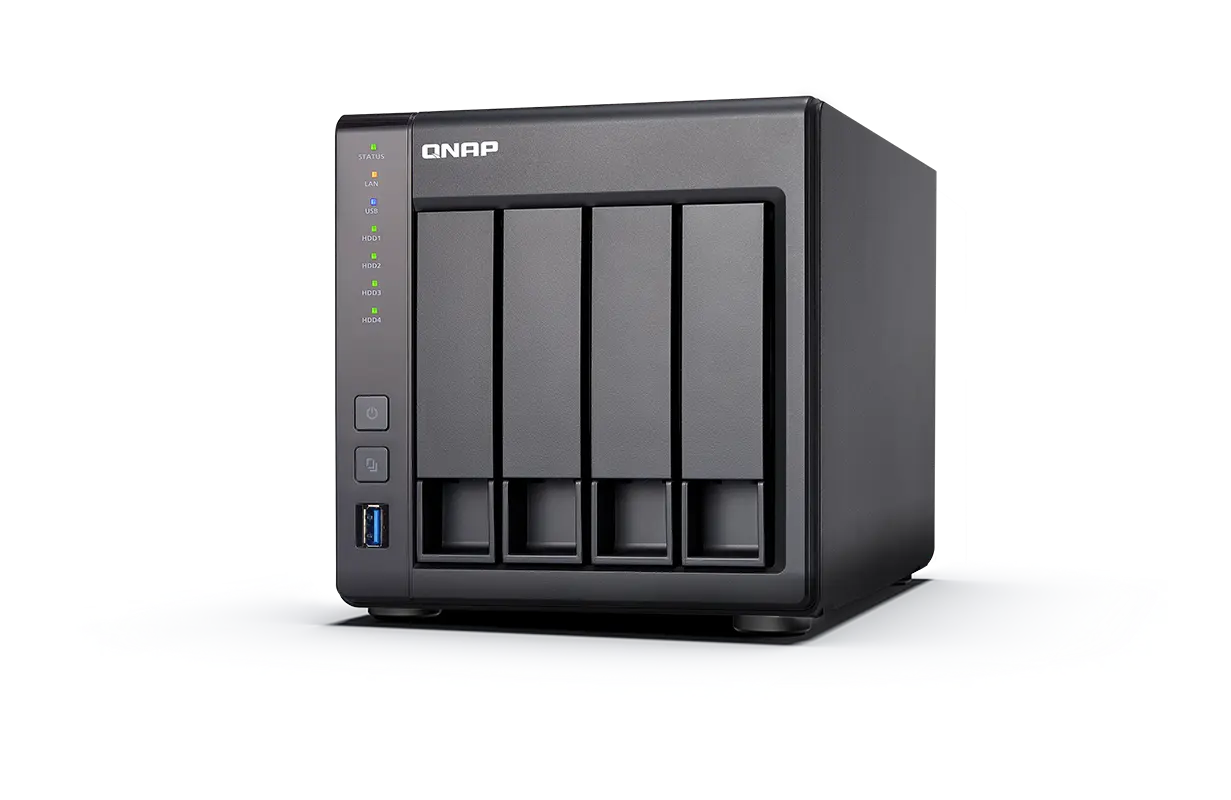
This is the most popular type of device – a compact file and backup server that sits in the office. It allows you to centralize documents, create departmental folders, manage permissions, and perform automatic backups. It's an essential solution for SMBs.
QNAP Cloud / myQNAPcloud
A service that enables remote access to a NAS via the internet. This allows employees to access company data from home, on business trips, or elsewhere. This is a convenient feature, although it requires appropriate access security and regular updates.
QNAP Finder
A tool installed on a computer that is used for initial device detection and configuration on the corporate network. It facilitates quick NAS startup, after which it is usually no longer needed for daily work.
QNAP Rack
Rack-mounted versions are ideal for larger companies or those with existing server rooms and the need for integration with other infrastructure. They offer greater scalability and capacity than desktop models.
While these terms sound technical, their application is simple: they all refer to ways of storing and sharing data within a company. They vary in scale, purpose, and installation, but the goal remains the same: to provide a secure, centralized location for company files.
Frequently asked questions about QNAP
In some cases, yes, especially where large files are involved or full control over data is required. However, for many companies, combining QNAP with services like Microsoft 365 works best. This allows the team to benefit from fast local access while also enjoying the convenience of online work. A hybrid model usually yields the best results.
The cost of a device with disks typically ranges from 3000 to 8000 PLN. Then there's the configuration, which typically ranges from 600 to 2000 PLN, depending on the scope of work and the amount of data. It's also worth factoring in a budget for cloud backups or a second NAS. The overall investment significantly improves data security and workflow.
Yes, integration is possible and often very practical. QNAP can synchronize data with OneDrive, Google Drive, or SharePoint, creating a convenient hybrid environment. This model allows you to get the best of both worlds: local speed and cloud convenience. This is especially useful for companies working with large files.
Yes, we help companies assess whether QNAP is the right solution and which configuration to choose. We select a model, design the data structure, configure backup and security. We can also provide ongoing support to ensure the device operates securely and without downtime. Our collaboration often begins with a brief consultation about your needs.
We support companies locally in the Masovia region and remotely throughout Poland. We most frequently work with companies in Warsaw, Ożarów Mazowiecki, Błonie, Pruszków, Grodzisk Mazowiecki, and Stare Babice. We travel to locations requiring IT infrastructure support or implementing solutions like QNAP. Regardless of location, we ensure quick contact and efficient communication.
QNAP isn't just another "network drive," but a tool that can truly organize company data, streamline teamwork, and protect documents from failures and ransomware. For small and medium-sized businesses, it's often the most cost-effective way to combine fast local access, remote work, and automatic backups in one cohesive solution. That's why more and more businesses are considering QNAP as the foundation of their digital organization.
If you are wondering whether this solution will work for your company, we will be happy to we will help analyze your needs and choose a configuration that is safe, easy to use and cost-effective.